
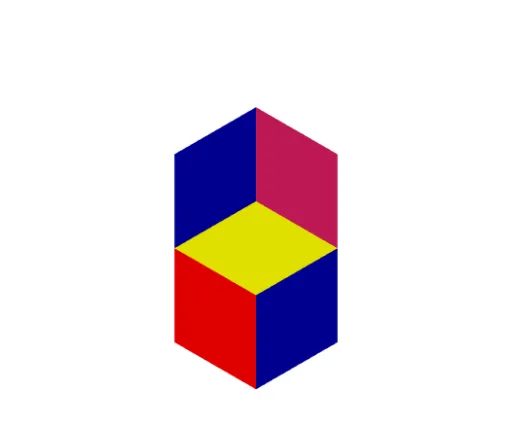
Vasarely/Necker Cube Illusion
Loading the math board and drawing, please wait…
This example demonstrates the Vasarely/Necker cube illusion, involving the rotation and perspective changes of a cube. Using GeoGebra commands such as Cube, face, and edge, a dynamic cube model is constructed to show its changes from different perspectives. Suitable for high school and above students or teachers for teaching geometry and solid geometry.
GeoGebra Commands & Parameters
Cube((0, 0, 0), (0, 1, 0), (0, 1, 1)) → a, A, face5, faceBCDE, edge2, edge1, edge4, edge6, edge3, edgeAE, edgeBE, edgeBC, B, edge5, edgeCD, edge7, edgeDE, C, D, E, face1, face3, face2, face4Cube((0, 0, 0), (1, 0, 0), (1, 0, -1)) → b, F, face10, face11, edge8, edge9, edge10, edge11, edge12, edge13, edge14, edge15, G, edge16, edge17, edge18, edge19, H, I, J, face6, face7, face8, face9
AI Drawing Prompt Reference
Draw a cube and show its rotation and perspective changes from two different angles, including six faces and twelve edges. First, draw a cube, then draw another cube from another angle, with both cubes sharing a vertex to demonstrate the Necker cube illusion.
The prompt above was compiled from the original drawing commands and is for reference only.