
Rotation Around the Blue Cathetus
Loading the math board and drawing, please wait…
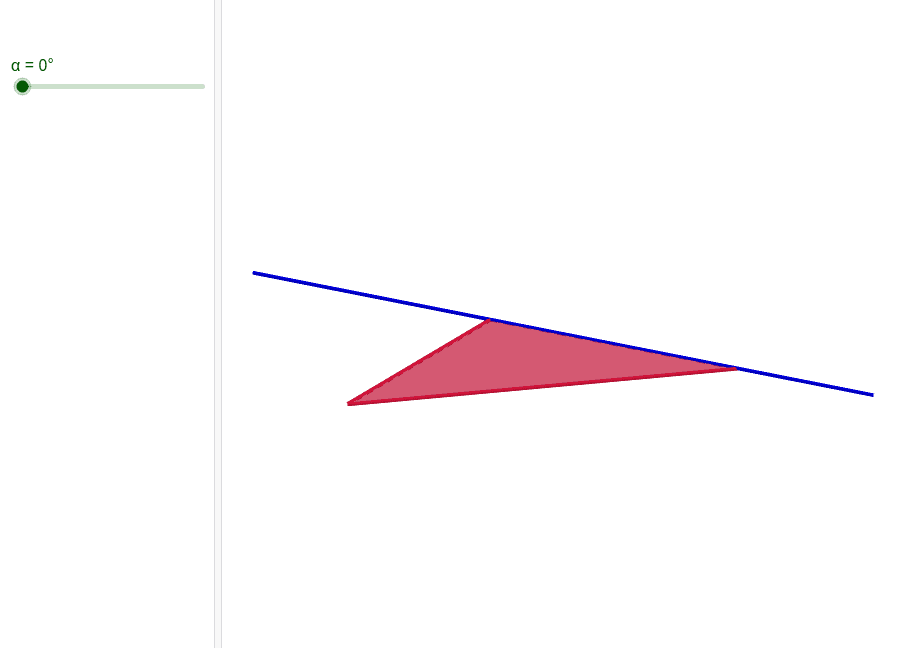
This example demonstrates rotation around the blue cathetus. Key mathematical concepts include rotation, polygons, and geometric construction. GeoGebra commands used include OrthogonalLine, Circle, Point, Segment, Polygon, and Rotate. Suitable for middle school and above students learning geometric transformations.
GeoGebra Commands & Parameters
OrthogonalLine(A, xOyPlane) → fCircle(A, 16, f) → hPoint(h) → BSegment(A, B) → aCircle(C_1, 8, zAxis) → cPoint(c) → FPolygon(A, B, C_2) → Vieleck1, e, a_1, bRotate(Vieleck1, α, xAxis) → Vieleck1'Point(e) → ELine(E, e) → dMidpoint(B, A) → DOrthogonalPlane(D, d) → gOrthogonalPlane(D, d) → iIntersect(xAxis, g) → GCircle(D, 8, xOyPlane) → kIntersect(xOyPlane, k) → H,Intersect(g, k) → C, JLine(C, A) → j
AI Drawing Prompt Reference
Draw a 3D geometric figure: start with a vertical blue segment as an axis, with its lower endpoint as center and radius 16, draw a circle perpendicular to this axis, and pick a point on this circle as the second vertex of a triangle. Then, with the origin as center and radius 8, draw a circle in the horizontal plane, pick a point on it as the third vertex, and connect the three vertices to form a right triangle. Rotate this triangle around a horizontal axis by a certain angle to get a rotated triangle. Next, take a point on one edge of the rotated triangle, draw a line through this point perpendicular to that edge, and through the midpoint of the original triangle's hypotenuse, construct two planes perpendicular to this line, one of which intersects the horizontal axis at a point. With the hypotenuse midpoint as center and radius 8, draw a circle in the horizontal plane; this circle intersects the horizontal plane at two points and the perpendicular plane at two points. Connect one of these intersection points to the original lower endpoint to form a line.
The prompt above was compiled from the original drawing commands and is for reference only.