
Rhombus Template with Investigation Questions
Loading the math board and drawing, please wait…
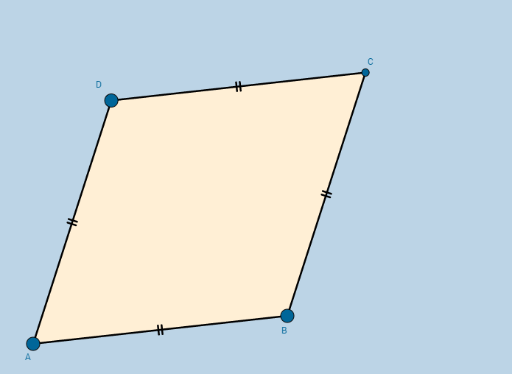
This example demonstrates the geometric construction and properties exploration of a rhombus, involving core math concepts like perimeter, unit circle, sequences and series, complex numbers, and combinatorics. It uses GeoGebra commands such as Circle, Point, Intersect, Segment, and Polygon for construction, suitable for high school mathematics teaching or student-led exploration of geometric figures.
GeoGebra Commands & Parameters
Circle(A, B) → cPoint(c) → DCircle(B, A) → dCircle(D, A) → eIntersect(d, e, 2) → CSegment(A, B) → aSegment(B, C) → bSegment(C, D) → fSegment(D, A) → gPolygon(A, B, C, D) → poly1, a_1, b_1, c_1, d_1
AI Drawing Prompt Reference
Draw a rhombus by constructing two intersecting circles, finding their intersection points, and connecting these points to form the rhombus, labeling its sides and vertices to illustrate the geometric construction process.
The prompt above was compiled from the original drawing commands and is for reference only.