
Random Points on a Circle via Trig Parametrization
Loading the math board and drawing, please wait…
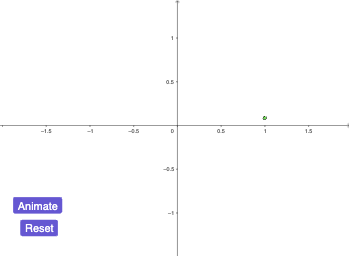
This example demonstrates how to generate random points on a circle by choosing a (typically angular) parameter and mapping it to the corresponding position on the circumference. It visually highlights the one-to-one relationship between an angle and the point’s coordinates through trigonometric parameterization, often in the context of a unit circle. The key mathematical ideas include circle/unit-circle geometry, trigonometric functions (sine/cosine), angle/radian parameter control, and optional aggregation such as arithmetic mean behavior of sampled values; related function-driven parameters (e.g., exponential changes) can also be part of the exploratory setup. In GeoGebra, construction centers on a parameter α (driving the point location), with objects such as A (the point on the circle) and additional control/algorithm parameters including n and r to manage sampling and radius. The workflow uses auxiliary objects (g, b) and interactive elements button1/button2 to generate and reset the random point set, making it suitable for repeated classroom demonstrations and student investigation.
GeoGebra Commands & Parameters
Random[0, 360]°(cos(α), sin(α))0Random[0, 100] / 100Random[0, 100] / 100Random[0, 100] / 100
AI Drawing Prompt Reference
Draw a random point on a unit circle. Choose an angle parameter α and map it to the corresponding point on the circle. Show the relationship between the angle and the point's coordinates. Use auxiliary objects g and b to help visualize. Provide buttons to generate and reset the random point set. Ensure the graph is clear and easy to understand the effect of the angle parameter on the point's position.
The prompt above was compiled from the original drawing commands and is for reference only.