
Deriving the Area of a Triangle
Loading the math board and drawing, please wait…
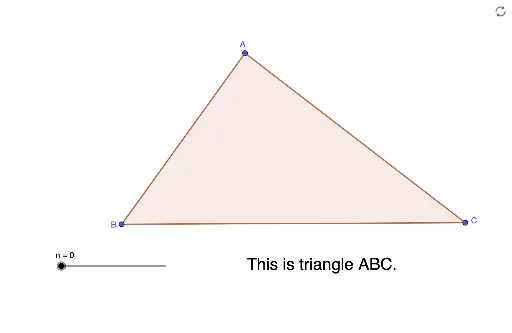
① This applet dynamically demonstrates how to derive the area formula A = ½·b·h for a triangle with base b and height h. ② The core mathematical concept is the relationship between a triangle's area and its base and height, involving geometric construction, perpendiculars, midpoints, and area-preserving transformations. ③ Construction highlights: using GeoGebra commands such as Polygon to create triangle ABC, Line and OrthogonalLine to draw the altitude, Intersect to find the foot of the perpendicular, and Segment, Midpoint, Angle, Vector for auxiliary measurements and labels; objects include vertices A, B, C, altitude h, foot D, and multiple auxiliary points, segments, and text labels to illustrate the derivation. ④ Suitable for middle school geometry lessons, high school review, or teachers creating interactive materials to help students understand the origin of the area formula rather than memorizing it.
GeoGebra Commands & Parameters
Polygon(A, B, C) → t1, c, a, bLine(A, a) → fOrthogonalLine(B, f) → gOrthogonalLine(C, f) → hOrthogonalLine(A, f) → iIntersect(i, a) → DIntersect(f, g) → EIntersect(h, f) → FSegment(E, F) → kSegment(A, D) → mMidpoint(B, C) → GMidpoint(A, D) → HSegment(E, B) → jSegment(F, C) → lAngle(A, D, B) → αMidpoint(E, A) → IMidpoint(A, F) → JSegment(B, C) → pVector(K, L) → uEllipse(M, N, O) → dSegment(E, A) → qSegment(A, F) → rPolygon(A, B, D) → t2, d_1, a_1, b_1Polygon(A, D, C) → t3, c_1, a_2, d_2