
Area and Perimeter: Geometric Construction and Analysis
Loading the math board and drawing, please wait…
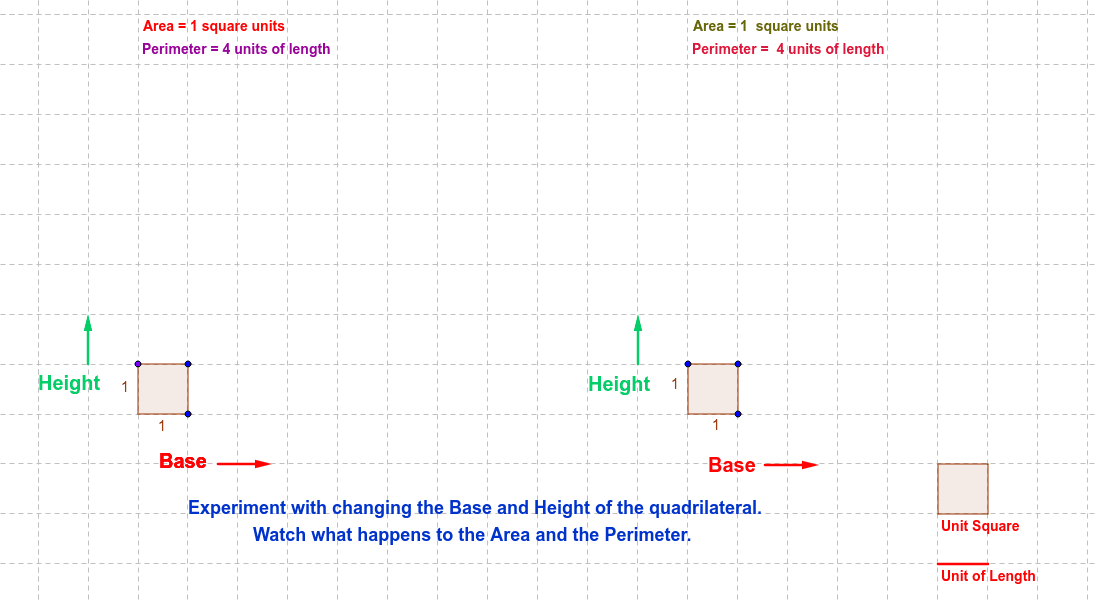
This example demonstrates calculating the area and perimeter of polygons, involving key mathematical concepts of geometric construction and analysis. Construction points include using GeoGebra commands like Point, Intersect, Polygon, Perimeter, etc. to build shapes and compute area and perimeter. Suitable for middle or high school mathematics teaching to understand geometric properties and practical applications.
GeoGebra Commands & Parameters
Point(yAxis) → APoint(xAxis) → CIntersect(xAxis, yAxis) → DPolygon(A, B, C, D) → poly1, a, b, c, dVector(E, F) → uVector(G, H) → vPerimeter(poly1) → perimeterpoly1Segment(M, N) → ePolygon(O, P, Q, R) → poly3, o, p, q, rDistance(p, o) → fVector(G_1, H_1) → v_1Vector(E_1, F_1) → u_1Polygon(S, T, U, V) → poly2, s, t, u_2, v_2Perimeter(poly3) → gPerimeter(poly3) → perimeterpoly3Perimeter(poly3) → h
AI Drawing Prompt Reference
Draw a rectangle ABCD with A on the y-axis, C on the x-axis, and D at the intersection of the x-axis and y-axis. Then draw a triangle OPQ with O and P on the edges of the rectangle and Q inside the rectangle. Finally, calculate the perimeter and area of rectangle ABCD, and the perimeter of triangle OPQ.
The prompt above was compiled from the original drawing commands and is for reference only.