
Working with Percent Change
Loading the math board and drawing, please wait…
In collections
Academic Math Support (9) (2016-2017)
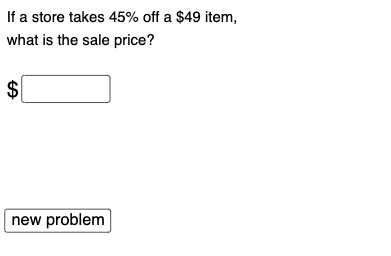
This example generates 6 different types of percent change questions. It uses GeoGebra commands to create random questions and provides feedback. Suitable for middle school and above students to learn about percent change.
GeoGebra Commands & Parameters
Random(1, 6) → randSequence(i, i, 1, 100, 1) → alistRandom(1, 100) → arandElement(alist, arand) → aSequence(i, i, 1, 100, 1) → blistRandom(1, 100) → brandElement(blist, brand) → bSequence(i, i, 1, 100, 1) → clistRandom(1, 100) → crandElement(clist, crand) → cSequence(i, i, 1, 100, 1) → dlistRandom(1, 100) → drandElement(dlist, drand) → dMin(a, b) → mMax(a, b) → MIf(rand ≟ 1, ans1, rand ≟ 6, ans6, rand ≟ 2, ans2, rand ≟ 3, ans3, rand ≟ 4, ans4, rand ≟ 5, ans5) → ansTextfield(e) → InputBox1If(abs(e - ans) < 1, "Very close! Did you round correctly?", " ") → text10If(e > ans, "No: Too high.", "No: Too low.") → text11