
Vodafone Logo
Loading the math board and drawing, please wait…
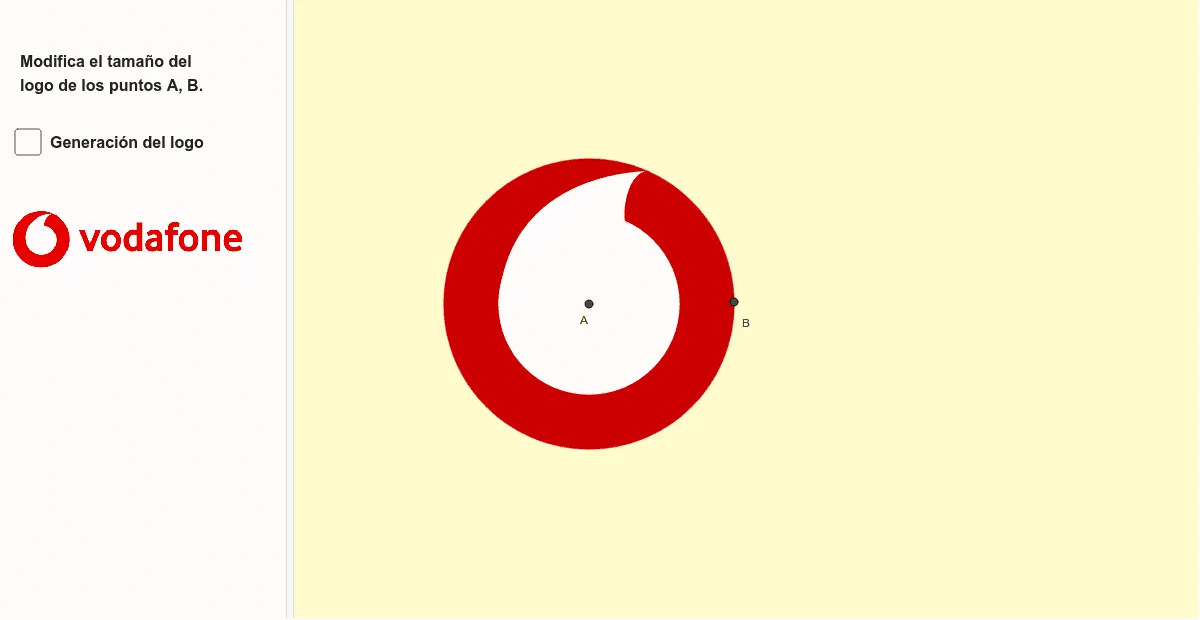
This example demonstrates how to construct the Vodafone logo using GeoGebra. Key mathematical concepts include vectors, circles, similarity transformations, and geometric construction. Commands such as Vector, OrthogonalVector, Circle, Rotate, and Intersect are used to create the essential elements of the logo. Suitable for high school mathematics education and learning.
GeoGebra Commands & Parameters
Vector(A, B) → uOrthogonalVector(u) → vCircle(A, B) → cCircle(A, N_1) → d_1Line(A, B) → fOrthogonalLine(A, f) → gRotate(B, 65°, A) → B'Angle(B, A, B') → αLine(B', A) → hIntersect(d_1, h) → C, DMirror(N_1, g) → ECurveCartesian(((1 - t)^(3) * B') + (((3 * (1 - t)^(2)) * t) * F) + (((3 * (1 - t)) * t^(2)) * J) + (t^(3) * E), t, 0, 1) → aCurveCartesian(((1 - t)^(3) * B') + (((3 * (1 - t)^(2)) * t) * G) + (((3 * (1 - t)) * t^(2)) * I) + (t^(3) * C), t, 0, 1) → bSegment(E, B') → iIntersect(i, b) → H, K, LIntersect(d_1, i) → M, NPolygon(L, N, C) → t1, c_1, l, nCurveCartesian(((1 - t)^(3) * B') + (((3 * (1 - t)^(2)) * t) * G) + (((3 * (1 - t)) * t^(2)) * I) + (t^(3) * C), t, 0, 1) → d
AI Drawing Prompt Reference
Draw the Vodafone logo by first creating vector u through points A and B, then creating a vector v perpendicular to u, followed by creating circle c with A and B, creating circle d1 with A and N1, creating line f through A and B, then creating the perpendicular line g to f, rotating point B 65 degrees to get B', calculating angle α, creating line h through B' and A, finding the intersection points C and D of d1 and h, mirroring N1 about g to get E, creating curve a from E to B', creating curve b from B' to C, creating line segment i from E to B', finding the intersection points H, K, L of i and b, finding the intersection points M, N of i and d1, and finally creating polygon t1, c1, l, n with points L, N, C, and curve d from B' to C.
The prompt above was compiled from the original drawing commands and is for reference only.