
Visualizing Linear Combination of Vectors
Loading the math board and drawing, please wait…
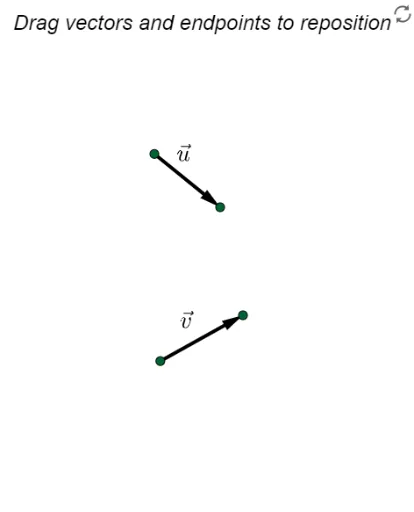
This GeoGebra example demonstrates how a new vector is formed as a linear combination of two basis vectors, providing an intuitive geometric interpretation of vector addition and scalar multiplication. Core mathematical concepts include linear combination, vector addition, scalar multiplication, and collinearity. The construction uses the Vector command to define vectors u and v, Midpoint and Translate to create auxiliary points, sliders (button1 and bool) to control combination coefficients, and dynamic display of the resulting vector w with text objects (text1 to text16) explaining the steps. Suitable for high school or early college students learning vector algebra and geometric visualization, and for teachers demonstrating fundamental properties of vector spaces.
GeoGebra Commands & Parameters
Vector(C, D) → vVector(A, B) → uMidpoint(A, B) → EMidpoint(C, D) → FMidpoint(G, J) → KTranslate(Vector[(c * v)], H) → aMidpoint(H, I) → LMidpoint(G, I) → M