
Unit Vectors i, j in 2D: Interactive Vector Geometry with Sliders
Loading the math board and drawing, please wait…
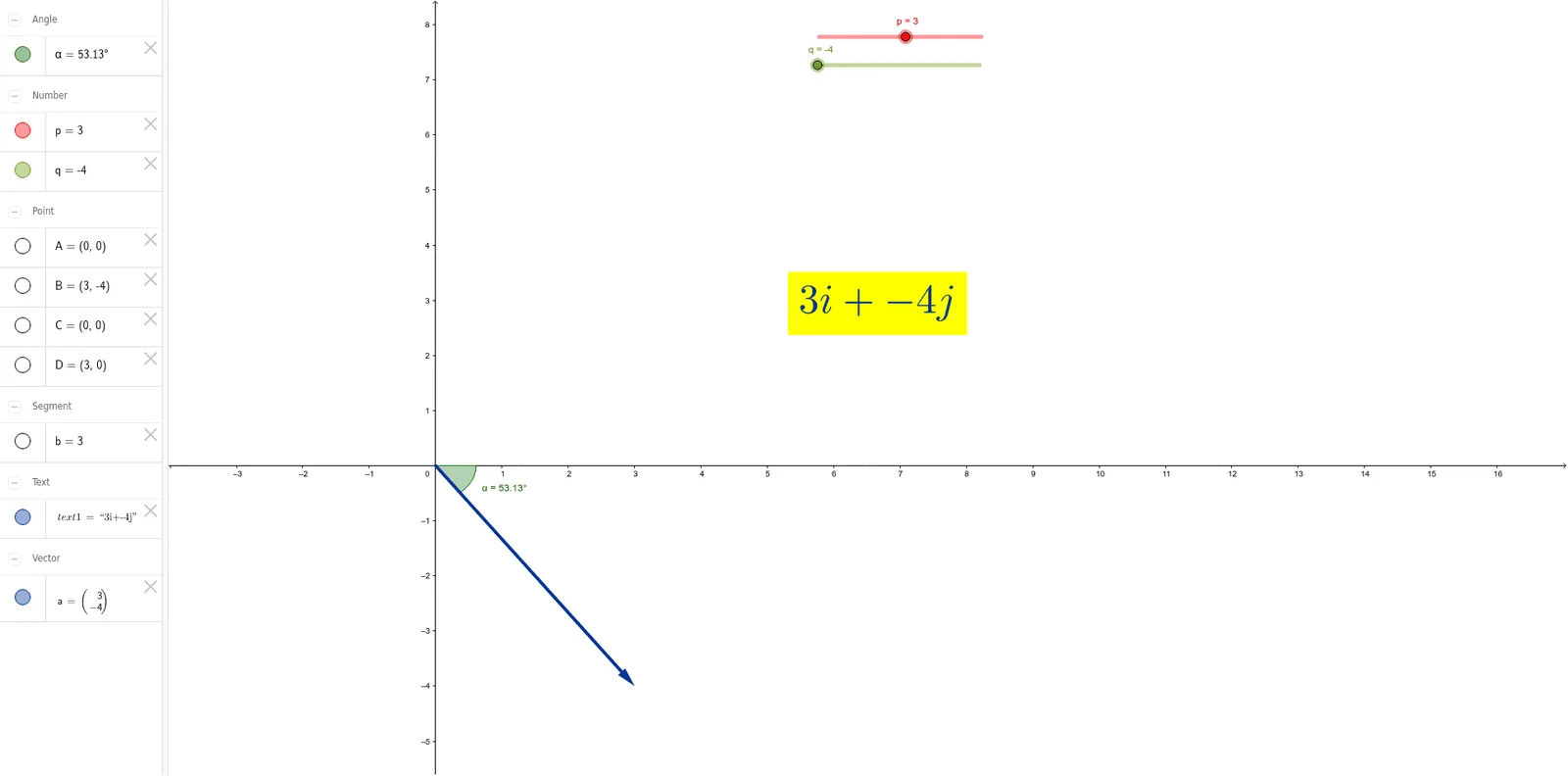
This GeoGebra example uses sliders to dynamically control the direction (via angles) and illustrates geometric relationships between 2D vectors constructed from the unit vectors i and j. It demonstrates how vector endpoints, segment connections, and intersections encode the same algebraic idea visually: changing the parameter rotates or repositions vectors while preserving the underlying vector geometry. The construction centers on vector representation in the plane, measuring the angle between vectors, and relating constraints through intersection and segment formation. Built with Intersect (to find key intersection points), Vector (to create vector objects), Point and Segment (to define endpoints and connecting lines), and Angle (to compute and display the angle, with objects such as p, q, A, B, a, text1, C, D, b, α). Suitable for secondary school and early university students learning vectors, analytic geometry concepts, and interactive geometry visualization.
GeoGebra Commands & Parameters
Intersect(xAxis, yAxis) → AVector(A, B) → aPoint(a) → CPoint(xAxis) → DSegment(C, D) → bAngle(D, C, B) → α
AI Drawing Prompt Reference
In a 2D coordinate plane, draw a vector starting from the origin with its endpoint controlled by an adjustable angle. Place a moving point on this vector and another moving point on the x-axis. Connect these two points with a segment. Then, measure and display the angle formed at the x-axis point between the vector point and the vector endpoint. As the angle slider changes, the vector rotates, and the segment and angle update dynamically, illustrating the geometric relationship between vectors.
The prompt above was compiled from the original drawing commands and is for reference only.