
Unit Circle Trigonometry
Loading the math board and drawing, please wait…
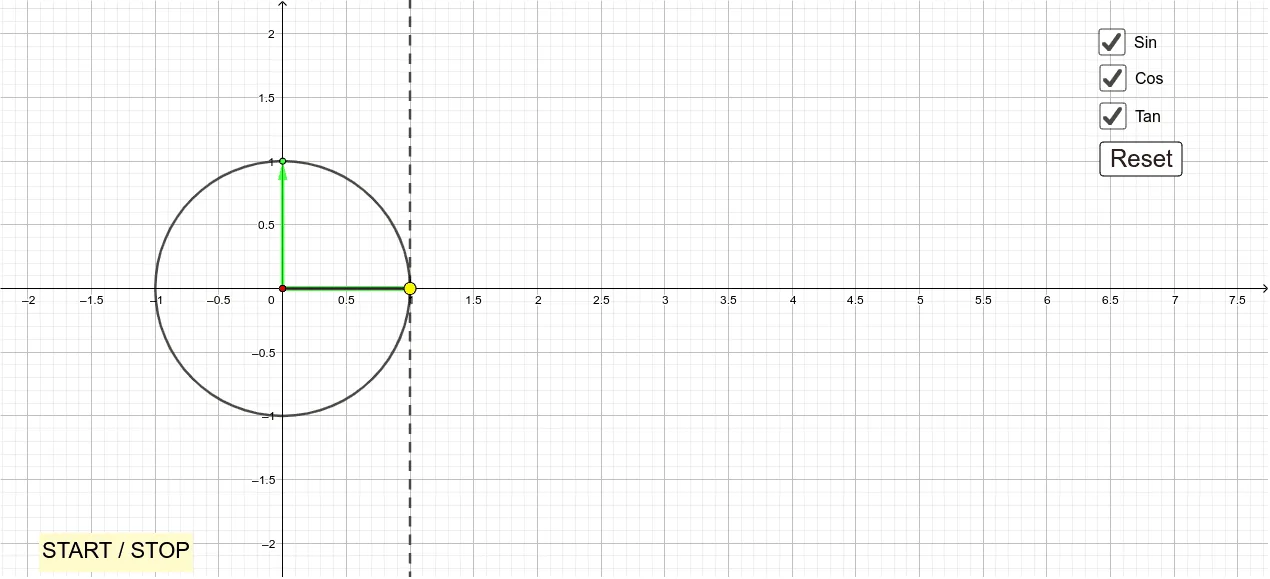
This example demonstrates the relationship between trigonometric functions and the unit circle. Key concepts include sine, cosine, and tangent. Using GeoGebra commands such as Point, Circle, Segment, and Vector, the example illustrates the correspondence between angles and trigonometric values. Suitable for high school mathematics education.
GeoGebra Commands & Parameters
Point(yAxis) → AIntersect(xAxis, yAxis) → BCircle(B, A) → cPoint(c) → CSegment(B, C) → fSegment(C, D) → gSegment(D, B) → hLine(B, C) → jIntersect(j, i) → EIntersect(c, i, 1) → FSegment(E, F) → kPolygon(C, B, D) → t1, d, c_1, bVector(B, C) → vAngle(xAxis, f) → αVector(B, F) → uSegment(B, E) → lVector((x(K), 0), K) → wVector((x(J), 0), J) → nVector((x(I), 0), I) → p
AI Drawing Prompt Reference
Draw a unit circle with its center at the origin. Mark the intersection points with the x-axis and y-axis. Draw a perpendicular from the center to the x-axis, forming a right triangle. Select any point on the circle, connect it to the center, and project this point onto the x-axis and y-axis. Label the points and segments, and display the corresponding sine, cosine, and tangent values to illustrate the relationship between trigonometric functions and the unit circle.
The prompt above was compiled from the original drawing commands and is for reference only.