
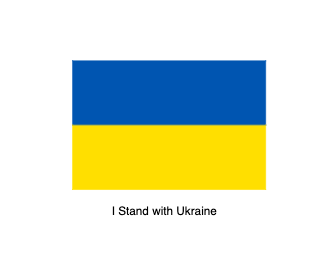
Ukraine
Loading the math board and drawing, please wait…
This example demonstrates how to use GeoGebra to draw rectangles, coordinates, area calculations, and isosceles triangles. By understanding the commands used in the construction summary, such as Midpoint and Polygon, one can learn how to perform geometric constructions. Suitable for students at the junior high school level and above, focusing on coordinate geometry and geometric construction.
GeoGebra Commands & Parameters
Midpoint(A, B) → EMidpoint(D, C) → FPolygon(A, E, F, D) → q1, a, e, f, dPolygon(E, B, C, F) → q2, e_1, b, c, f_1
AI Drawing Prompt Reference
Draw a shape consisting of two adjacent quadrilaterals by first finding the midpoints of two pairs of points, then connecting these midpoints and the original points to form the quadrilaterals, demonstrating the process of coordinate geometry and geometric construction, suitable for learning how to draw and calculate the area of geometric figures.
The prompt above was compiled from the original drawing commands and is for reference only.