
Tutorial 5 - Randomization, Input, and Feedback
Loading the math board and drawing, please wait…
In collections
Authomath GeoGebra Basics Course
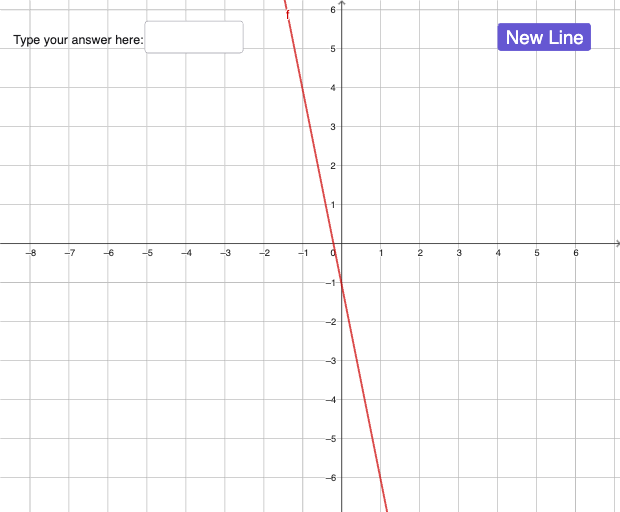
This interactive GeoGebra example demonstrates a versatile template for creating randomized math exercises with user input and immediate feedback. It showcases how to combine the Random command to generate random parameters (a and b), a text field and input box (InputBox1) for user responses, and the Defined command to check whether a user-defined function g is correctly constructed, thereby determining correctness (iscorrect). The underlying mathematical concepts span linear functions, upper and lower Riemann sums, equilateral triangles, standard deviation, geometric transformations, and variance, making it a multi-topic tool. The construction involves defining a function f (likely linear), a button (button1) to trigger re-randomization, text objects (text1, text2) for instructions and feedback, and a boolean variable iscorrect to track the answer status. This template is ideal for middle school to university educators who want to build adaptive practice problems, and for students to engage in self-paced learning with instant validation of their answers.
GeoGebra Commands & Parameters
Random(-5, 5) → aRandom(-5, 5) → bTextfield(g) → InputBox1Defined(g) → isgdefined
AI Drawing Prompt Reference
Create a practice problem with a randomly generated linear function f. Users input a function g, and the system checks if g correctly represents f. First, generate two random numbers a and b for the coefficients of f, then let users input a function g, and finally compare g with f to determine if the user's input is correct and provide feedback.
The prompt above was compiled from the original drawing commands and is for reference only.