
Triangle Rotation Tessellation Step 1 by M.Towne
Loading the math board and drawing, please wait…
In collections
Not Real, Practice Triangle Rotation Tessellation Math 206
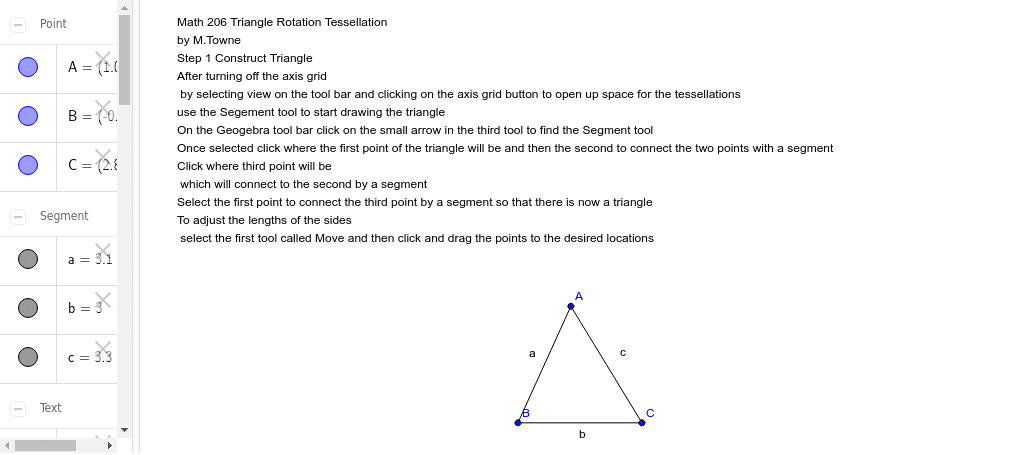
This example demonstrates how to create a triangle rotation tessellation using GeoGebra. It involves core mathematical concepts such as rotation, centroid, and arithmetic operations. The construction uses the Segment command to draw line segments and creates points A, B, a, C, b, c, and text object text1. Suitable for middle school students and above to explore geometric transformations and tessellation patterns.
GeoGebra Commands & Parameters
Segment(A, B) → aSegment(B, C) → bSegment(C, A) → c
AI Drawing Prompt Reference
Draw a triangle and connect each side with line segments to form three connected triangles, showing the basic structure for rotation tessellation.
The prompt above was compiled from the original drawing commands and is for reference only.