
Probability and Trigonometry
Loading the math board and drawing, please wait…
In collections
geometriadinamica.es
This example demonstrates the relationship between probability and trigonometry. It involves the concept of probability and the application of trigonometric functions. Using GeoGebra commands Polygon and Midpoint, users can create a triangle and calculate its area. Additionally, users can use trigonometric functions to calculate the lengths of the sides and angles of the triangle. This example is suitable for middle school or high school students learning the relationship between probability and trigonometry.
GeoGebra Commands & Parameters
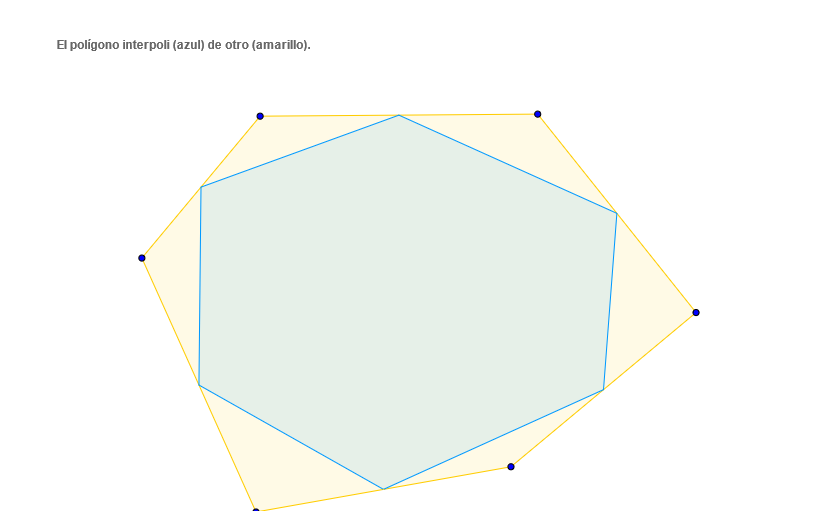
Polygon(A, B, C, D, E, F) → poly1, a, b, c, d_1, e, fMidpoint(a) → GMidpoint(b) → HMidpoint(c) → IMidpoint(d_1) → JMidpoint(e) → KMidpoint(f) → LPolygon(G, H, I, J, K, L) → poly2, g, h, i, j, k, l
AI Drawing Prompt Reference
Draw a hexagon, find the midpoint of each side, and connect these midpoints to form another hexagon, demonstrating the relationship between probability and trigonometry by calculating the area and side lengths of the triangle.
The prompt above was compiled from the original drawing commands and is for reference only.