
Quadratic Function Mosaic Practice: Right Triangles & Midlines
Loading the math board and drawing, please wait…
In collections
geometriadinamica.es
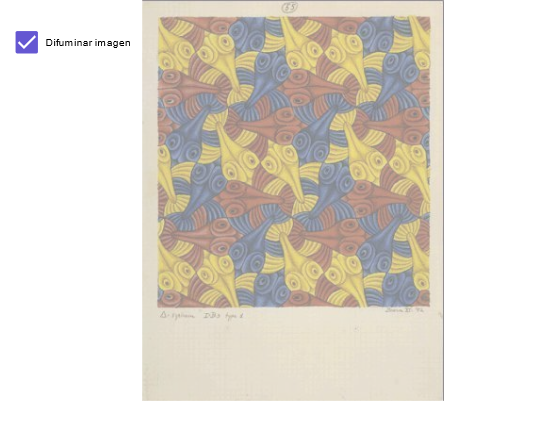
This GeoGebra example demonstrates a “mosaic/puzzle-style” approach to practice quadratic-function-related geometry, highlighting essential properties of right triangles together with constructions involving midlines or midpoints. The key math concepts are quadratic functions (linking geometric measurements to functional relationships), midline/midpoint properties, and geometric relations in right triangles (distances/lengths/areas as needed), supported by algebraic reasoning. From the provided construction summary, the construction uses objects A and B as anchor points to define the base configuration; a as an auxiliary measure/parameter that controls a geometric or metric constraint; and pic1 and pic2 to present multiple stages or views so learners can compare how the pattern forms and how the relationships emerge. Suitable for middle or high school learners and for classroom demonstration and self-study when integrating number–shape thinking to verify conclusions about quadratic functions through geometry.
GeoGebra Commands & Parameters
Point A(-1, -3)Point B(6, -3)Boolean a(true)
AI Drawing Prompt Reference
Draw a right triangle grid pattern with points A at (-1, -3) and B at (6, -3) as the base. Use parameter a to control geometric or metric constraints, and show multiple stages or views to observe the pattern formation and relationship development.
The prompt above was compiled from the original drawing commands and is for reference only.