
Mosaic Practice: Building Triangle Patterns via Rotation
Loading the math board and drawing, please wait…
In collections
geometriadinamica.es
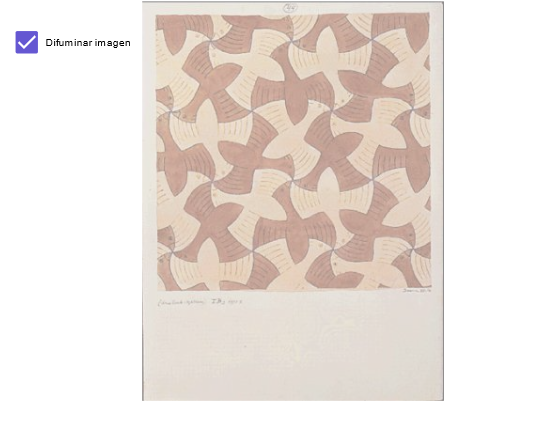
This example demonstrates a “mosaic” style construction to assemble the intended triangle pattern on the plane and visualize how the pieces relate as a whole. The key mathematical ideas include geometric transformation—especially rotation (preserving distances and angles)—and triangle characterization (e.g., dealing with scalene/non-equal side configurations) as well as the geometric relationships that arise when figures are tiled/combined. From the provided construction summary (“Objects: A, B, a, pic1, pic2”), the model is built using point objects A and B, an auxiliary parameter a, and two picture/assembly outputs (pic1 and pic2) to compare or present the constructed mosaic configurations. It is suitable for middle-school to high-school geometry lessons focused on transformations, correspondence of shapes, and structured practice, and can also serve as a training exercise for transformation-based construction problems.
GeoGebra Commands & Parameters
Point A(-1, -3)Point B(6, -3)Boolean a(true)
AI Drawing Prompt Reference
Create a mosaic pattern made of triangles through rotation. Start by creating two points A(-1, -3) and B(6, -3), then use a boolean variable a to control the rotation. Rotate points A and B to generate new triangles, forming a pattern composed of multiple triangles, demonstrating rotation transformations and triangle properties.
The prompt above was compiled from the original drawing commands and is for reference only.