
Translation Transformation Investigation
Loading the math board and drawing, please wait…
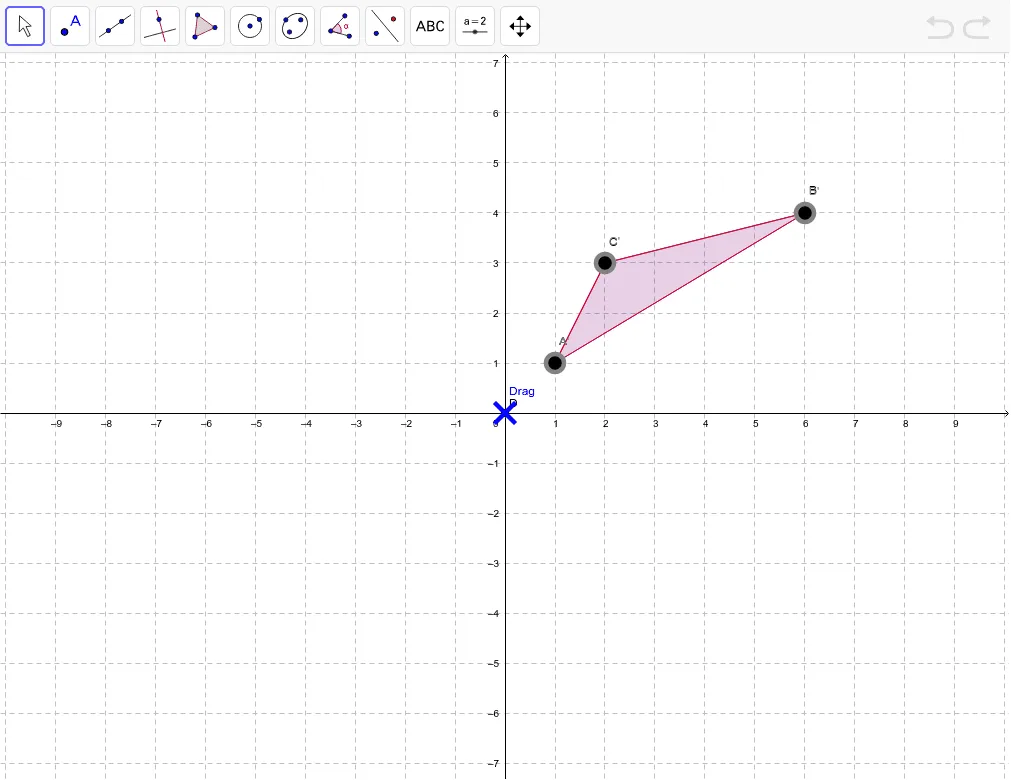
This example explores what changes and what remains unchanged in a translation transformation. Key concepts include translation and angle invariance. Using GeoGebra commands such as Polygon, Intersect, Vector, Translate, and Segment, the effect of translation on geometric figures is visually demonstrated. Suitable for middle school and above students or teachers.
GeoGebra Commands & Parameters
Polygon(A, B, C) → poly1, c, a, bIntersect(xAxis, yAxis) → DVector(D, E) → uTranslate(A, u) → A'Translate(B, u) → B'Translate(C, u) → C'Polygon(A', B', C') → poly1', c', a', b'Segment((0, 0), (x(E), 0)) → dSegment((0, 0), (0, y(E))) → eSegment(B', B) → fSegment(A', A) → gSegment(C', C) → h
AI Drawing Prompt Reference
Draw a triangle, then draw the coordinate axes and find their intersection point. From the intersection point, draw a vector. Use this vector to translate the three vertices of the triangle to get new vertices. Connect the new vertices to form a new triangle. Draw line segments from each vertex of the original triangle to the corresponding new vertex. Also, draw line segments from each vertex of the original triangle to the origin, and from each new vertex to the corresponding original vertex.
The prompt above was compiled from the original drawing commands and is for reference only.