
Rotation Transformation Exploration
Loading the math board and drawing, please wait…
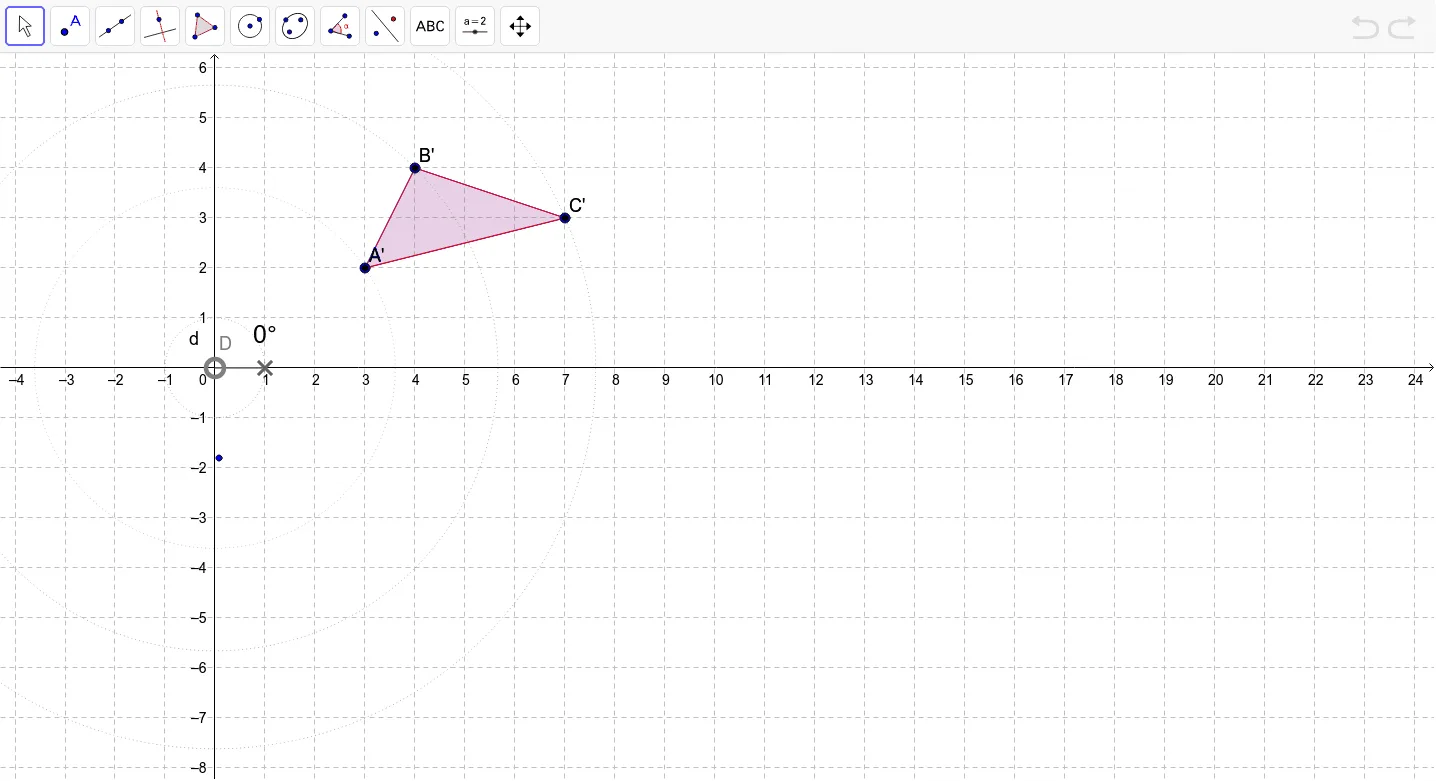
This example demonstrates the effects of rotation transformation on shapes, particularly observing geometric phenomena when the center of rotation changes. Core math concepts include rotation, angles, and polygon construction. It uses GeoGebra commands like Polygon, Circle, Point, CircleSector, Angle, Rotate, CircleArc. Suitable for middle school and above students to understand the properties of geometric transformations.
GeoGebra Commands & Parameters
Polygon(A, B, C) → poly1, c, a, bCircle(D, 1) → dPoint(d) → FCircleSector(D, E, F) → eAngle(E, D, F) → αRotate(A, α, D) → A'Rotate(B, α, D) → B'Rotate(C, α, D) → C'Polygon(A', B', C') → poly1', c', a', b'CircleArc(D, A, A') → fCircleArc(D, B, B') → gCircleArc(D, C, C') → hCircle(D, A) → kCircle(D, B) → pCircle(D, C) → q
AI Drawing Prompt Reference
Draw a polygon and three circles, one fixed and the other two passing through the vertices of the polygon. Use the center of the fixed circle as the rotation center to rotate the polygon by an angle, creating a new rotated polygon. Connect the corresponding vertices of the original and rotated polygons with circular arcs to visualize the rotation effect.
The prompt above was compiled from the original drawing commands and is for reference only.