
Surfaces of Revolution
Loading the math board and drawing, please wait…
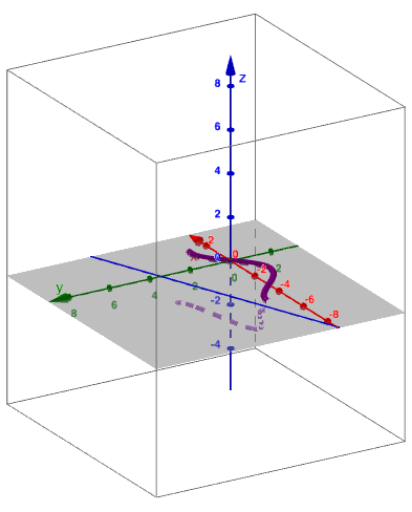
This example demonstrates how a function graph can be revolved around an arbitrary axis to form a surface of revolution, involving core calculus concepts like rotation solids, function graphs, and axisymmetric transformations. It uses commands such as Point, Min, Max, Line, Rotate, and Textfield to construct the rotation axis and the rotating effect of the function graph, suitable for high school and above students studying calculus, solid geometry, and geometric transformations.
GeoGebra Commands & Parameters
Point(xAxis) → APoint(xAxis) → BMin(x(A), x(B)) → leftMax(x(A), x(B)) → rightLine(C, D) → Axis_{revolution}Rotate(g, α, Axis_{revolution}) → g_1Textfield(f) → InputBox1