
Subtraction of Integers with Geometric Applications
Loading the math board and drawing, please wait…
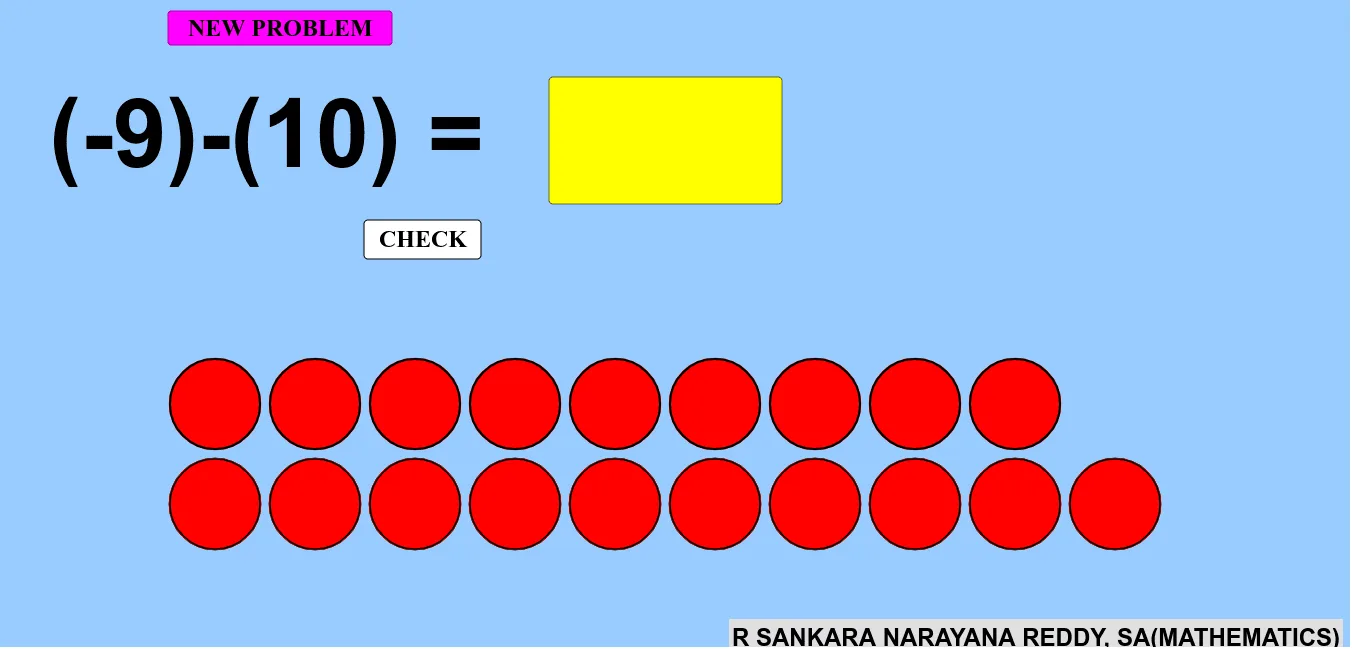
This example demonstrates integer subtraction in geometric contexts, involving concepts like integer arithmetic, geometric transformations, and coordinate systems. Construction uses GeoGebra commands such as Random, If, Sequence, Min, Point, Circle, Rotate, etc. Suitable for middle school students learning integer operations and geometric foundations, useful for math teaching tools.
GeoGebra Commands & Parameters
Random(-10, 10) → bRandom(-10, 10) → aIf(a < 0, (-a), a) → p1If(b < 0, (-b), b) → p2Sequence(Circle[A + ((2 * i) + 1, 0), 0.9], i, 0, p1 - 1) → l1Sequence(Circle[(0, -1) + ((2 * i) + 1, 0), 0.9], i, 0, p2 - 1) → l2Min(p1, p2) → dPoint(yAxis) → BPoint(yAxis) → ESequence(Polygon[B + ((2 * i), 0), C + ((2 * i), 0), D + ((2 * i), 0), E + ((2 * i), 0)], i, 0, d - 1) → l5Textfield(text1) → InputBox1If(text1 ≟ text2, "Excellent", "Try again") → text3Circle(F, 2) → ePoint(e) → GRotate(G, α, F) → G'Angle(G, F, G') → βCircleSector(F, G, G') → fSequence(Polygon[B + ((2 * i), 0), C + ((2 * i), 0), D + ((2 * i), 0), E + ((2 * i), 0)], i, 0, d - 1) → l7
AI Drawing Prompt Reference
Demonstrate integer subtraction using geometric shapes in a coordinate system. Generate two random integers and represent their absolute values with differently colored circles. Sort them by size and draw a rectangle on the y-axis with a length equal to the smaller integer. Show the geometric meaning of subtraction through rotation and a sector, then verify the result based on user input.
The prompt above was compiled from the original drawing commands and is for reference only.