
Shape Area Calculation
Loading the math board and drawing, please wait…
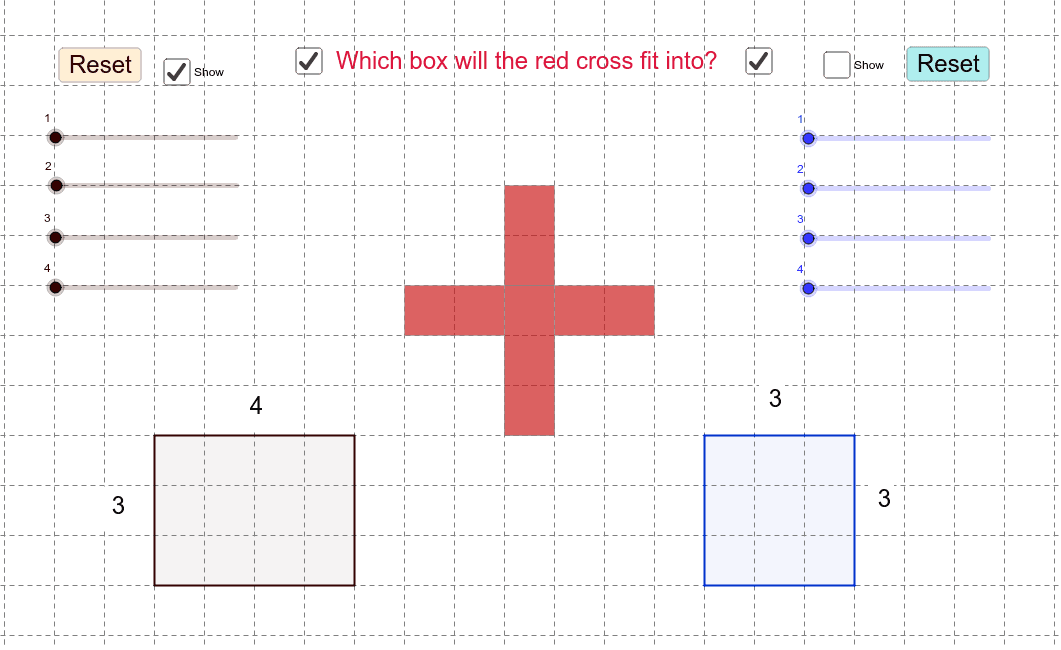
This example demonstrates how to calculate and compare the areas of different shapes using GeoGebra. Key math concepts include area, multiplication, similarity transformation, pyramid, expected value, and inequalities. It utilizes commands like Polygon, Rotate, Perimeter, PointIn, and Distance, along with objects A, B, C, D, etc. Suitable for high school students to explore geometric properties and transformations, ideal for math education and discovery.
GeoGebra Commands & Parameters
Polygon(A, B, C, D) → poly1, a, b, c, dPolygon(E, F, G, H) → poly2, e, f, g, hPolygon(I, J, K, L) → poly3, i, j, k, lPolygon(M, N, O, P) → poly4, m, n, o, pRotate(A, (-rotate1), Q) → A'Rotate(B, (-rotate1), Q) → B'Rotate(C, (-rotate1), Q) → C'Rotate(D, (-rotate1), Q) → D'Polygon(A', B', C', D') → poly1', a', b', c', d'Rotate(M, rotate2, R) → M'Rotate(N, rotate2, R) → N'Rotate(O, rotate2, R) → O'Rotate(P, rotate2, R) → P'Polygon(M', N', O', P') → poly4', m', n', o', p'Rotate(E, (-rotate4), S) → E'Rotate(F, (-rotate4), S) → F'Rotate(G, (-rotate4), S) → G'Rotate(H, (-rotate4), S) → H'Polygon(E', F', G', H') → poly2', e', f', g', h'Rotate(I, (-rotate3), T) → I'Rotate(J, (-rotate3), T) → J'Rotate(K, (-rotate3), T) → K'Rotate(L, (-rotate3), T) → L'Polygon(I', J', K', L') → poly3', i', j', k', l'Polygon(U, V, W, Z) → poly5, u, v, w, z_1Rotate(A, rotl1, A_1) → A'_1Rotate(B, rotl1, A_1) → B'_1Rotate(C, rotl1, A_1) → C'_1Rotate(D, rotl1, A_1) → D'_1Polygon(A'_1, B'_1, C'_1, D'_1) → poly1'_1, a'_1, b'_1, c'_1, d'_1Rotate(E, rotl2, B_1) → E'_1Rotate(F, rotl2, B_1) → F'_1Rotate(G, rotl2, B_1) → G'_1Rotate(H, rotl2, B_1) → H'_1Polygon(E'_1, F'_1, G'_1, H'_1) → poly2'_1, e'_1, f'_1, g'_1, h'_1Rotate(I, rotl3, C_1) → I'_1Rotate(J, rotl3, C_1) → J'_1Rotate(K, rotl3, C_1) → K'_1Rotate(L, rotl3, C_1) → L'_1Polygon(I'_1, J'_1, K'_1, L'_1) → poly3'_1, i'_1, j'_1, k'_1, l'_1Rotate(M, rotl4, D_1) → M'_1Rotate(N, rotl4, D_1) → N'_1Rotate(O, rotl4, D_1) → O'_1Rotate(P, rotl4, D_1) → P'_1Polygon(M'_1, N'_1, O'_1, P'_1) → poly4'_1, m'_1, n'_1, o'_1, p'_1Polygon(E_1, F_1, G_1, H_1) → poly6, e_1, f_1, g_1, h_1Perimeter(poly6) → perimeterpoly6PointIn(poly6) → Pointpoly6Distance(G_1, H_1) → distanceG1H1Distance(F_1, G_1) → distanceF1G1Distance(V, W) → distanceVWDistance(W, Z) → distanceWZ
AI Drawing Prompt Reference
Draw four quadrilaterals, rotate each of them around specific points by certain angles to create new quadrilaterals, and compare the areas and perimeters of these shapes. Mark the perimeter of one quadrilateral and a point inside it to demonstrate geometric transformations and area calculations.
The prompt above was compiled from the original drawing commands and is for reference only.