
SEAT Logo
Loading the math board and drawing, please wait…
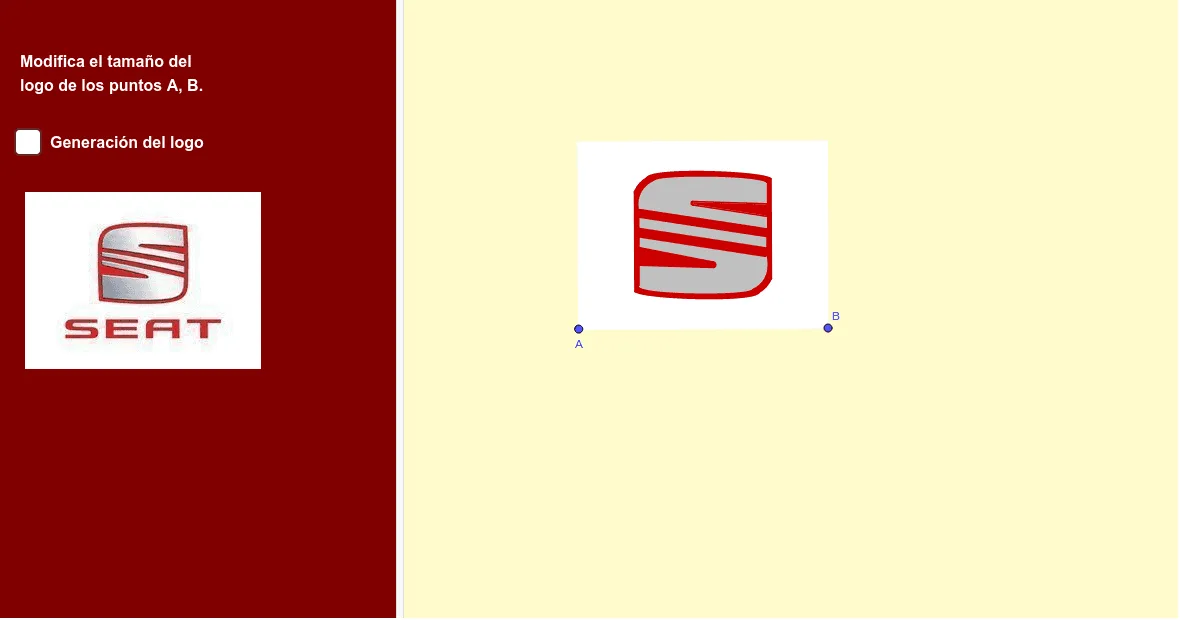
This example demonstrates how to draw the SEAT car logo using GeoGebra. Key mathematical concepts include geometry, vectors, and circles. Construction highlights the use of Vector, OrthogonalVector, Midpoint, Line, Mirror, and other commands. Suitable for high school geometry lessons or student practice in geometric construction.
GeoGebra Commands & Parameters
Vector(A, B) → uOrthogonalVector(u) → vMidpoint(E, B) → DLine(A, B) → mLine(F, m) → hMirror(h, D) → h'Line(D, h') → jOrthogonalLine(D, j) → kOrthogonalLine(G, m) → iIntersect(h, i) → PLine(R, j) → pMirror(p, j) → p'Mirror(Q, j) → Q'OrthogonalLine(Q', p') → qIntersect(j, q) → JLine(U, q) → rMirror(r, k) → r'Intersect(r', p') → WLine(H_1, p') → f_1LineBisector(Z', D_1) → tIntersect(t, f_1) → V_1Intersect(q, p) → SMirror(S, j) → S'LineBisector(S', N) → lIntersect(l, f_1) → U_1Line(E_1, p) → h_1Line(E, m) → fOrthogonalLine(B, f) → gIntersect(g, f) → CIntersect(i, h') → IPolygon(E, C, B, A) → q2, e, c, b, aIntersect(i, p') → KIntersect(k, h) → MOrthogonalLine(V, f) → g_1Mirror(q, k) → q'Mirror(S', D) → S''Intersect(q', h') → OMirror(N, D) → N'Intersect(l, p') → HCircleArc(U_1, N, S') → dMirror(d, D) → d'CurveCartesian(((1 - t)^(3) * N) + (((3 * (1 - t)^(2)) * t) * L) + (((3 * (1 - t)) * t^(2)) * T) + (t^(3) * O), t, 0, 1) → nMirror(n, D) → n'CurveCartesian(((1 - t)^(3) * Z') + (((3 * (1 - t)^(2)) * t) * F_1) + (((3 * (1 - t)) * t^(2)) * G_1) + (t^(3) * Z), t, 0, 1) → sMirror(s, D) → s'Intersect(l, t) → I_1CircleArc(V_1, Z', D_1) → c_1Mirror(c_1, D) → d_1Mirror(A_1, k) → K_1Mirror(B_1, k) → L_1Mirror(E_1, k) → O_1Polygon(E_1, Q_1, S_1, R_1) → t1, q_1, e_1, j_2, n_2Mirror(Z, D) → Z'_1Polygon(H_1, P_1, T_1, J_1) → t2, i_1, j_1, p_1, p_2Polygon(D_1, L_1, J_1, T_1, P_1, H_1, Z, Z') → poly1, k_1, l_1, m_1, n_1, r_1, q_2, r_2, s_2Polygon(B_1, M_1, K_1, C_1) → q1, b_1, s_1, t_1, a_1Mirror(Z', D) → Z''Polygon(Z'_1, E_1, Q_1, S_1, R_1, A_1, N_1, O_1, Z'') → poly2, f_2, g_2, h_2, i_2, k_2, l_2, m_2, b_2, c_2Polygon(Q, S', N, O, S'', N') → poly3, q_3, t_2, n_3, o_1, s'', a_2Semicircle(T_1, P_1) → d_2Semicircle(S_1, Q_1) → e_2
AI Drawing Prompt Reference
Draw the SEAT car logo, which includes various geometric elements such as vectors, lines, midpoints, and arcs. Start by creating vector u from points A and B, then create a vector v orthogonal to u. Find the midpoint D of line segment AB and use these vectors and points to construct multiple lines and mirror lines. Finally, use intersection and mirror operations to form the logo's components, and complete the details with arcs and curves.
The prompt above was compiled from the original drawing commands and is for reference only.