
Rotation Transformation Exploration by Jed Butler
Loading the math board and drawing, please wait…
In collections
Transformations Stations
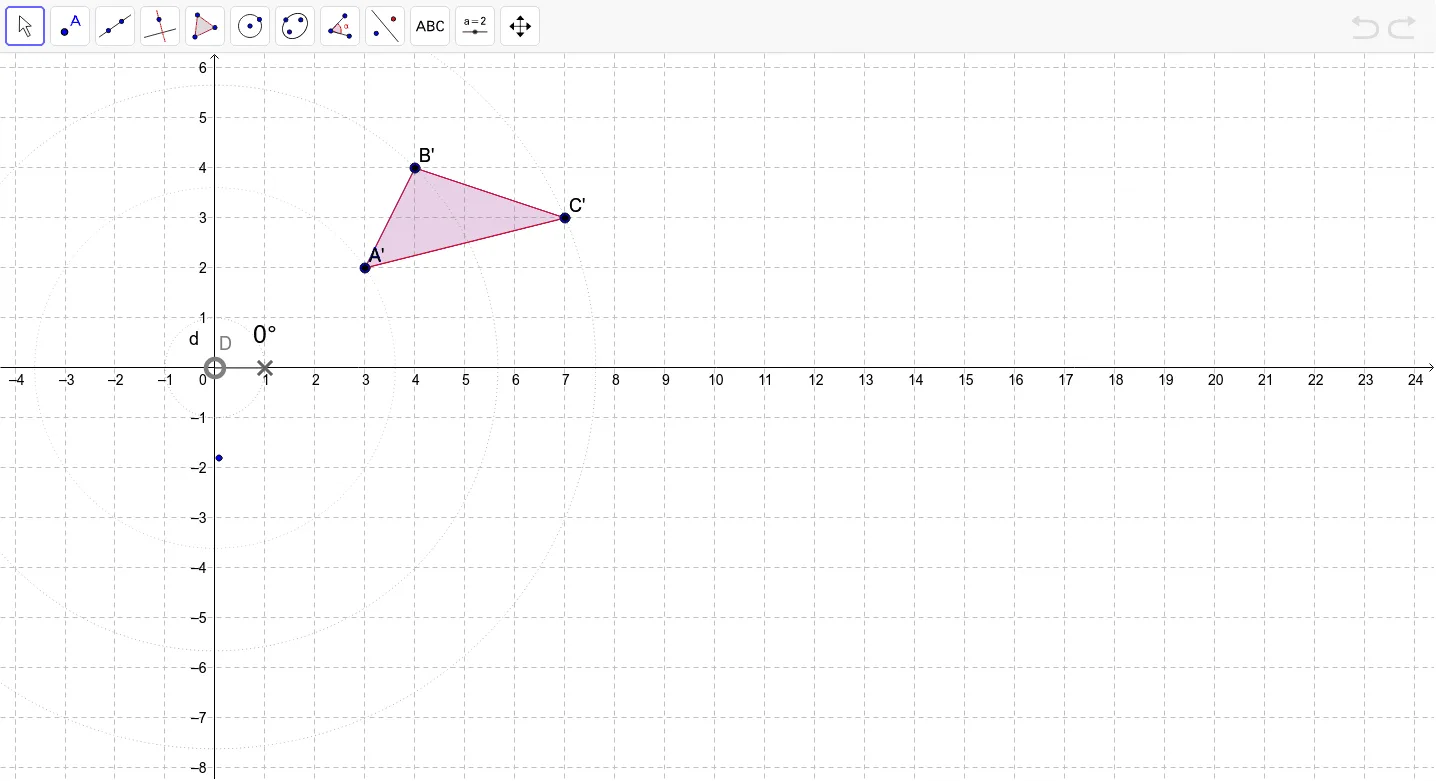
This example demonstrates the effects of rotation transformation on shapes, particularly observing interesting events when the center of rotation changes. Core math concepts include rotation, polygon, circle, angle, and coordinate geometry. It is constructed using GeoGebra commands like Polygon, Circle, Point, CircleSector, Angle, Rotate, and CircleArc, making it suitable for high school students learning geometric transformation properties and principles.
GeoGebra Commands & Parameters
Polygon(A, B, C) → poly1, c, a, bCircle(D, 1) → dPoint(d) → FCircleSector(D, E, F) → eAngle(E, D, F) → αRotate(A, α, D) → A'Rotate(B, α, D) → B'Rotate(C, α, D) → C'Polygon(A', B', C') → poly1', c', a', b'CircleArc(D, A, A') → fCircleArc(D, B, B') → gCircleArc(D, C, C') → hCircle(D, A) → kCircle(D, B) → pCircle(D, C) → q
AI Drawing Prompt Reference
Draw a triangle ABC, then rotate it around point D to observe the new triangle A'B'C'. Use point D as the center to draw three circles passing through points A, B, and C, and then draw three arcs connecting A to A', B to B', and C to C'.
The prompt above was compiled from the original drawing commands and is for reference only.