
Proportional Measures and Scale Exploration
Loading the math board and drawing, please wait…
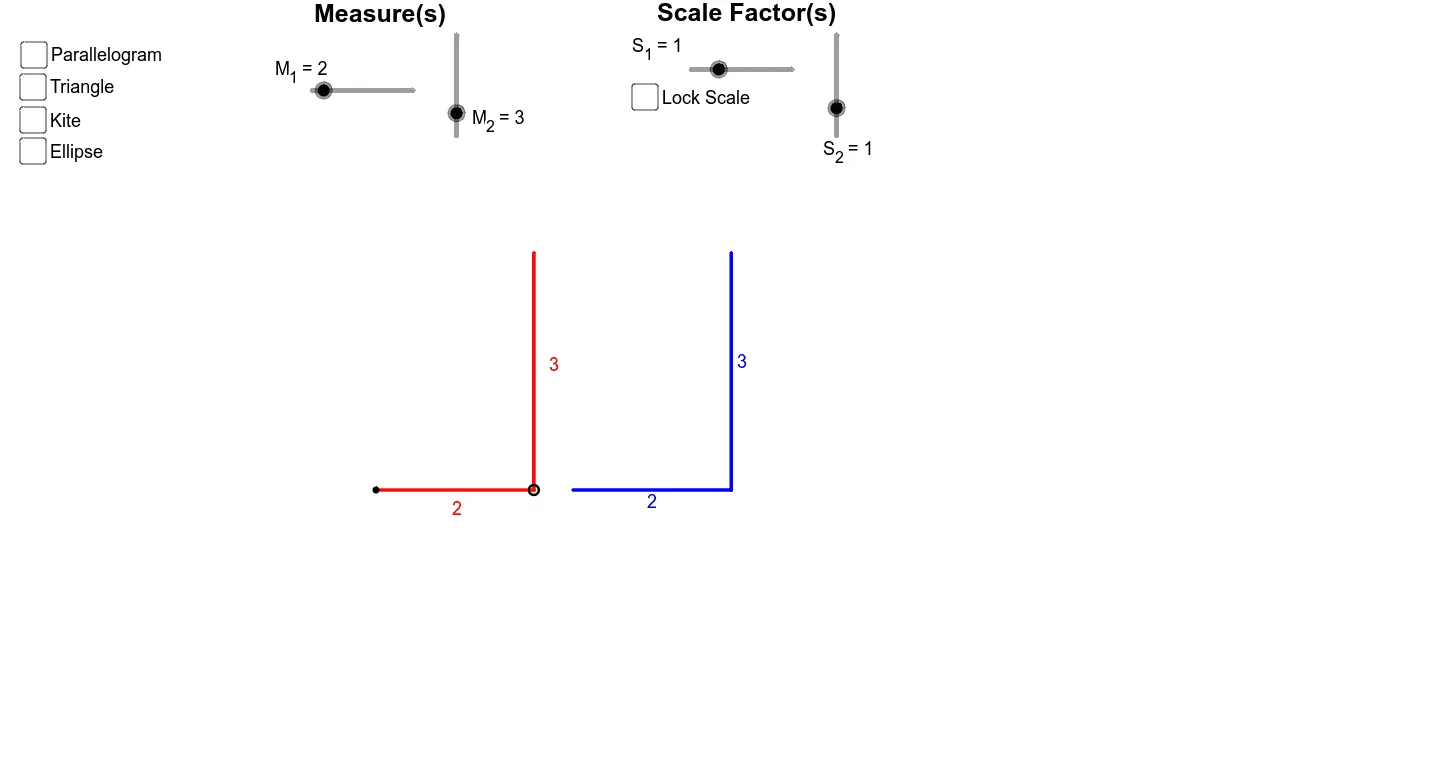
This example demonstrates how adjusting two measurements can reveal changes in geometric shapes, emphasizing concepts like similarity and scaling. It uses GeoGebra commands such as Vector, Translate, Dilate, and objects like LockProportions to maintain proportional relationships. Suitable for middle school students learning geometric transformations and scale applications in mathematics education.
GeoGebra Commands & Parameters
Vector((0, M_2)) → M_3Vector((M_1, 0)) → M_4Translate(A, M_4) → DDilate(D, 1 + 1 / ((2 * M_1)), A) → A'Translate(A', M_3) → A''OrthogonalLine(A, b) → cOrthogonalLine(A, c) → dTranslate(A, M_3) → BOrthogonalLine(D, c) → eOrthogonalLine(B, d) → fIntersect(e, f) → CTranslate(A', M_4) → A''_1Dilate(A''_1, S_1, A') → D'OrthogonalLine(D', c) → gDilate(A'', If[LockProportions, S_1, S_2], A') → B'OrthogonalLine(B', g) → hSegment(A, D) → iPoint(i) → EVector(A, E) → uTranslate(B, u) → B'_1Translate(C, u) → C'_1Translate(B', u) → B''Intersect(g, h) → C'Translate(C', u) → C''Segment(E, B'_1) → jTranslate(A', u) → A''_2Dilate(A''_2, S_1, A') → E'Dilate(B'', S_1, B') → B'_2Dilate(C'', S_1, C') → C'_2Polygon(A, B'_1, C'_1, D) → poly1, a_1, b'_1, c'_1, d_1Polygon(A', B'_2, C'_2, D') → poly2, a', b'_2, c'_2, d'Segment(B'_2, E') → kPolygon(A, B'_1, D) → poly3, d_2, a_2, b'_3Polygon(A', B'_2, D') → poly4, d'_1, a'_1, b'_4Midpoint(j) → FRotate(F, 180*°, E) → F'Polygon(A, F', D, F) → poly5, a_3, f', d_3, f_1Midpoint(k) → GRotate(G, 180*°, E') → G'Polygon(A', G, D', G') → poly6, a'_2, g_1, d'_2, g'Circle(A, D) → pSegment(A', D') → lPointIn(poly1) → Pointpoly1PointIn(poly2) → Pointpoly2Circle(D', A') → qPointIn(poly3) → Pointpoly3PointIn(poly4) → Pointpoly4Segment(E, F) → mSegment(E, F') → nSegment(E', G) → rSegment(E', G') → sSegment(E, A) → tSegment(E, D) → b_1Segment(A', E') → c_1Segment(E', D') → e_1PointIn(poly5) → Pointpoly5PointIn(poly6) → Pointpoly6Area(p) → oPointIn(p) → PointpArea(q) → vPointIn(q) → PointqIntersect(p, d, 1) → HIntersect(q, g, 1) → ISegment(A, (x(A), y(A) + M_2)) → i_1Segment(D', (x(D'), y(D') + (M_2 * If[LockProportions, S_1, S_2]))) → j_1
AI Drawing Prompt Reference
This is a geometric figure demonstrating proportional measures and scale exploration. The figure includes a triangle, with similar triangles generated through vector and dilation operations. Construction involves drawing parallel lines to determine intersection points, and creating polygons and circles. The figure emphasizes proportional relationships and scaling changes, suitable for students learning geometric transformations and scale applications.
The prompt above was compiled from the original drawing commands and is for reference only.