
Sprinkler and Triangle Centers
Loading the math board and drawing, please wait…
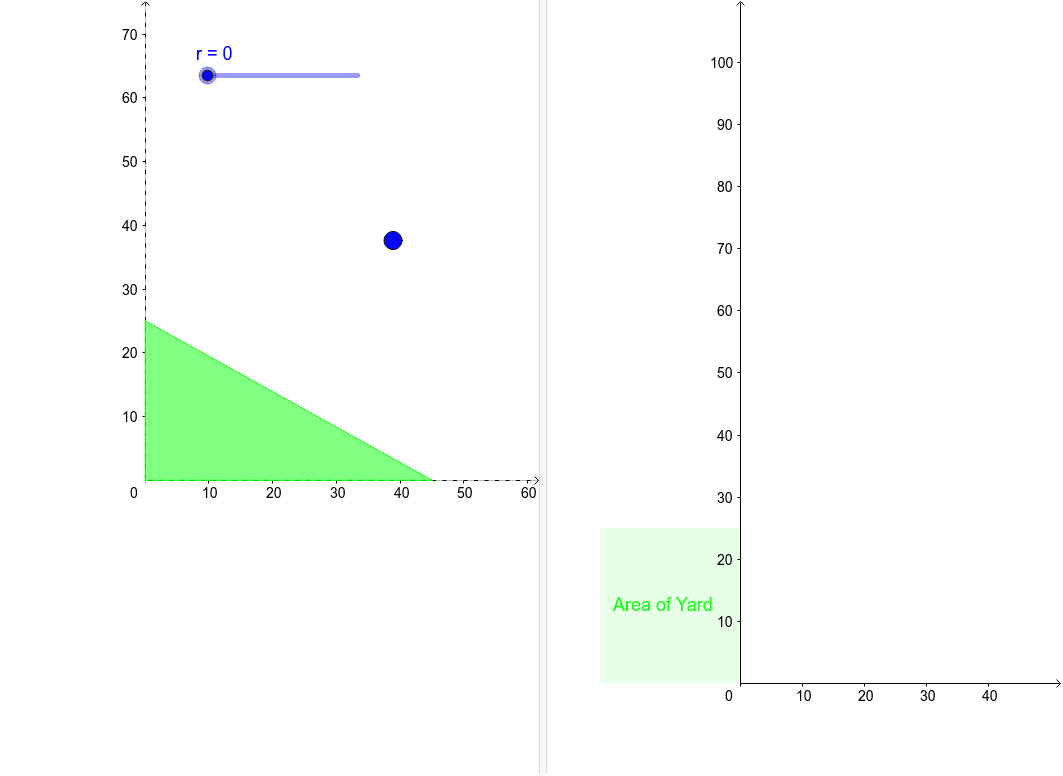
This example explores the watering pattern of a sprinkler on a triangular yard by adjusting its size and position. Key mathematical concepts include circles, incircle, and circumcircle of a triangle. Using GeoGebra commands such as Polygon, Circle, Rotate, etc., the relationship between the sprinkler and the triangle is visually demonstrated. Suitable for middle school and above students to learn geometry and optimization problems.
GeoGebra Commands & Parameters
Polygon(A, B, C) → poly1, AB, BC, CASequence(D + ((sqrt(RandomUniform[0, 1]) * r); RandomUniform[0, 6.28319]), i, 1, points) → list1Circle(D, r) → cRotate(F, Theta, D) → F'Segment(F', D) → WaterDistance(D, poly1) → CircleDistanceSegment(D, F') → WaterRotateSegment(H, I) → Area_{yard}Segment(E, G) → fSegment(J, K) → gSegment(L, M) → ePolygon(E, L, M, G) → poly2, e_1, l, m, g_1Polygon(N, I, H, E) → poly3, n, i, h, e_2Polygon(L, J, K, M) → poly4, l_1, j, k, m_1
AI Drawing Prompt Reference
Draw a triangle ABC, then place a circle inside it to represent the sprinkler's watering range. Adjust the size and position of the circle to observe its relationship with the triangle. Next, rotate the circle around its center to generate the watering path. Finally, draw the incircle and circumcircle of the triangle, as well as its altitudes and medians, to demonstrate the geometric properties of the triangle.
The prompt above was compiled from the original drawing commands and is for reference only.