
Ripple Effect
Loading the math board and drawing, please wait…
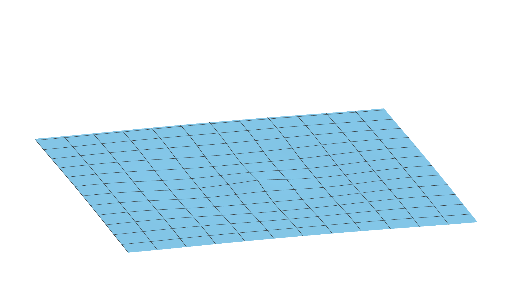
This example demonstrates the ripple effect, involving function graphs and piecewise functions. Using GeoGebra commands n and a, a wavy graph is constructed. Suitable for high school mathematics education, particularly for learning about functions and piecewise functions.
GeoGebra Commands & Parameters
Numeric n(7.19)a(x, y) = cos(sqrt(x^(2) + y^(2)) - (6 * n)) / ((0.5 * (x^(2) + y^(2))) + 1 + (2 * n))
AI Drawing Prompt Reference
Create a wavy effect graph using cosine and square root functions, adjusting parameter n to control the frequency and amplitude of the ripples. Start by drawing a circle centered at the origin, then apply the cosine function to create the wavy effect.
The prompt above was compiled from the original drawing commands and is for reference only.