
Rectangle Ratios Demo
Loading the math board and drawing, please wait…
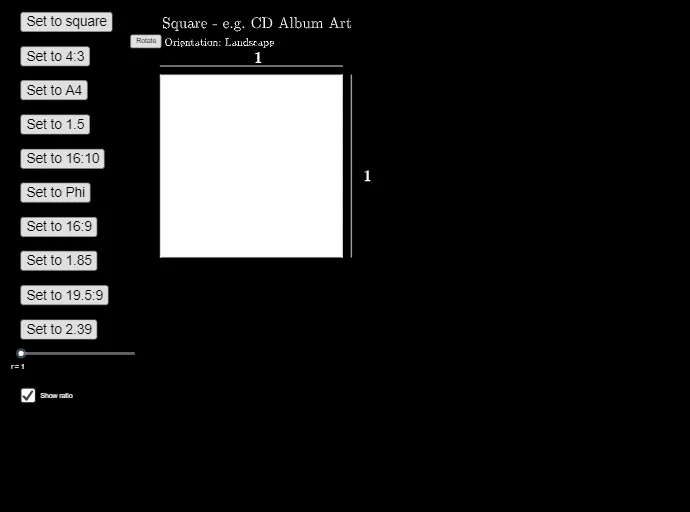
This example demonstrates the ratio relationships between rectangles, triangles, and equilateral triangles, involving geometric transformations like orthogonal lines and rotations. Core math concepts include plane figures, rational numbers, ratios, rectangles, right triangles, probability, equilateral triangles, and orthocenters. GeoGebra commands used are: OrthogonalLine, Point, Distance, Intersect, Polygon, Rotate, Segment, Circle, Line, Midpoint, Text, If. Suitable for middle school and above students to understand geometric transformations and ratio calculations.
GeoGebra Commands & Parameters
OrthogonalLine(A, xAxis) → fOrthogonalLine(A, yAxis) → gPoint(f) → BDistance(A, B) → aOrthogonalLine(D, g) → hOrthogonalLine(B, f) → iIntersect(h, i) → CPolygon(A, B, C, D) → q1, a_1, b_1, d, cRotate(A, (-α), Cent) → A'Rotate(B, (-α), Cent) → B'Rotate(C, (-α), Cent) → C'Rotate(D, (-α), Cent) → D'Polygon(A', B', C', D') → q1', a', b', c', d'Segment(A' + (0, 0.2), D' + (0, 0.2)) → jSegment(D + (0.2, 0), C + (0.2, 0)) → kCircle(A', 0.2) → eCircle(D', 0.2) → pCircle(C', 0.2) → qLine(B', A') → lLine(A', D') → mLine(D', C') → nCircle(A', 0.2) → sCircle(D', 0.2) → tCircle(C', 0.2) → c_1Line(B', C') → f_1Intersect(s, l, 2) → EIntersect(t, n, 1) → FSegment(E, F) → g_1Intersect(t, m, 2) → GIntersect(c_1, f_1, 2) → HSegment(H, G) → h_1Midpoint(g_1) → IMidpoint(h_1) → JOrthogonalLine(I, g_1) → i_1OrthogonalLine(J, h_1) → j_1Circle(I, 0.4) → d_1Circle(J, 0.2) → e_1Intersect(d_1, i_1, 2) → KIntersect(e_1, j_1, 1) → LText(r, K, true, true) → text1Text("1", L, true, true) → text2If(α ≟ 0, landtext, If[α ≟ 90°, porttext, ""]) → orienttext
AI Drawing Prompt Reference
Draw a rectangle and rotate it around a point to form two new rectangles. Draw segments and circles on the edges of the new rectangles, find their intersections and connect them to form new segments. Then, find the midpoints of these segments, draw perpendicular lines and find their intersections, and draw additional circles and segments. Finally, add text at specific locations.
The prompt above was compiled from the original drawing commands and is for reference only.