
Random Slope Line Drawing Quiz
Loading the math board and drawing, please wait…
In collections
COORDINATE GEOMETRY
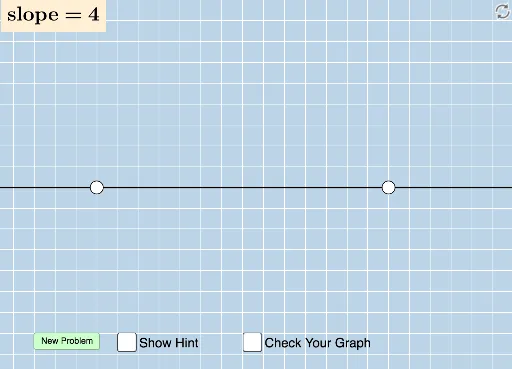
This example demonstrates how students draw lines with randomly generated slopes on a blank grid. It involves core math concepts like slope, line equations, and coordinate geometry. Constructed using GeoGebra commands and objects such as Sequence, Union, Random, Line, FractionText, Intersect, Polygon, Vector, Angle, Distance. Suitable for middle school and above students for practicing line drawing and slope understanding, ideal for classroom or homework use.
GeoGebra Commands & Parameters
Sequence(i, i, -10, -1) → aSequence(i, i, -10, -1) → bSequence(i, i, 1, 10) → cUnion(b, c) → dRandom(-12, 12) → eLine(A, B) → gFractionText(Slope[f]) → text1FractionText(f(0)) → text2Intersect(h, i) → CPolygon(A, C, B) → poly1, b_1, a_1, c_1Vector(A, C) → uVector(C, B) → vAngle(B, C, A) → αDistance(A, C) → distanceACDistance(C, B) → distanceCB
AI Drawing Prompt Reference
Draw a blank coordinate grid from -10 to 10 on both axes. Place two fixed points and draw a line through them with a randomly generated slope. Display the slope as a fraction and the y-intercept as a fraction near the line. Construct a right triangle using the line, the x-axis, and a vertical segment from one point to the axis. Mark the right angle, show horizontal and vertical vectors with arrows, and label the lengths of the two legs. Ensure the slope and intercept values are visible as fractions.
The prompt above was compiled from the original drawing commands and is for reference only.