
Random Rotation of a Sector: Geometric Construction
Loading the math board and drawing, please wait…
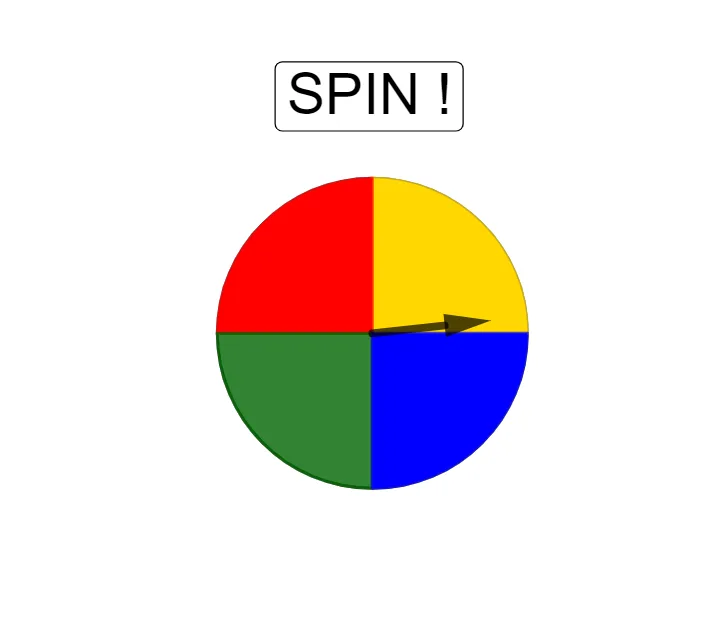
This GeoGebra example demonstrates how random point choices combined with rotation, circle intersections, and sector construction can produce a clear, repeatable geometric relationship. It visually connects a randomized parameter (via RandomUniform) to deterministic geometry steps: constructing circles (Circle), computing intersection points (Intersect), forming a circular sector or arc region (CircleSector), applying a rotation transformation (Rotate), and using vectors (Vector) to define directions or assist placement. The listed objects (including multiple rotated/intersection points) reflect the repeated structure created by Rotate and Intersect. The activity is well-suited for middle and high school learners and for classroom exploration of transformation geometry—especially linking probability-style randomness with classical constructions involving circles, angles/sector shapes, and rotational symmetry.
GeoGebra Commands & Parameters
RandomUniform(3600, 3960) → aIntersect(xAxis, yAxis) → CCircle(C, 1.3) → dRotate(B, 90°, C) → B'Rotate(B', 90°, C) → B''Rotate(B'', 90°, C) → B'''CircleSector(C, B, B') → eCircleSector(C, B', B'') → fCircleSector(C, B'', B''') → gCircleSector(C, B''', B) → hVector(C, A) → u
AI Drawing Prompt Reference
Draw a geometric figure with multiple sectors centered at the origin. Start by drawing two perpendicular lines that intersect at the center. Then, draw three concentric circles centered at this point. Next, draw three rays from the center, each intersecting the first circle at a different point. Finally, connect each pair of adjacent rays with a circular arc to form three sectors, each covering 120 degrees.
The prompt above was compiled from the original drawing commands and is for reference only.