
Quadrilateral and Polygon Construction with Area Exploration
Loading the math board and drawing, please wait…
In collections
Prep mathematics
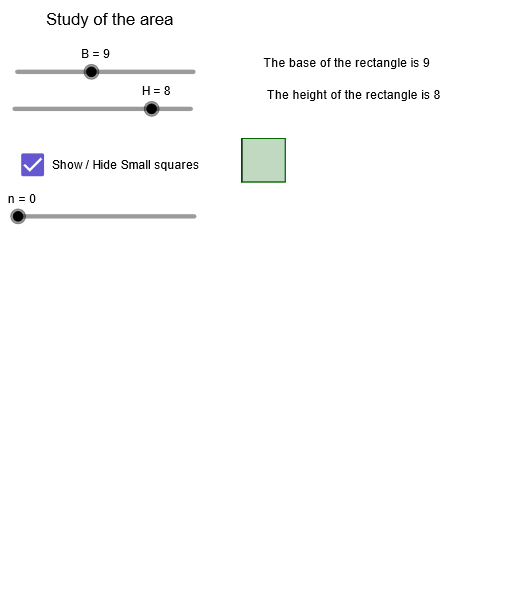
This GeoGebra example demonstrates the construction of quadrilaterals and more complex polygons using circles, polygons, midpoints, and segments, with a focus on exploring perimeter and area. Core mathematical concepts include polygon definitions, midpoint properties, segment connections, sequence generation, and area calculation. Construction highlights: the Circle command creates circles, Polygon constructs multiple polygons (pol1, pol2, pol3), Point and Midpoint define key vertices (A, B, C, D, H, I, etc.), Join and Segment connect edges, and Sequence generates series of objects (lado_1, lado_2). The final composition combines several polygons to reveal geometric relationships. Suitable for middle and high school geometry classes, this example helps students understand polygon structure, area comparison, and dynamic geometric exploration.
GeoGebra Commands & Parameters
Circle(H_1, lado_1) → fPolygon(A_1, B_1, C, D) → pol1, a, b, c, dPoint(f) → K_1Point(f) → IMidpoint(c) → L_1Midpoint(b) → M_1Join(Sequence[Sequence[(i, j), i, 0, B - 1], j, 0, H - 1]) → L1Segment(K_1, H_1) → gPolygon(H_1, K_1, 4) → pol2, i, j, k, l, E, GCircle(J, lado_2) → hPoint(h) → N_1Polygon(J, N_1, 4) → pol3, m, p, q, r, O, PJoin(Sequence[Sequence[((r * 0.5), (m * 0.5)), r, 0, (2 * B) - 1], m, 0, (2 * H)]) → MSequence(Polygon[Element[L1, i], (x(Element[L1, i] + 1), y(Element[L1, i])), 4], i, 1, n) → KSequence(Polygon[Element[M, m], (x(Element[M, m] + 0.5), y(Element[M, m])), 4], m, 1, (4 * e)) → NPolygon(A, B_1, C, D) → q1, a_1, b_1, c_1, d_1
AI Drawing Prompt Reference
Draw a complex geometric figure consisting of multiple quadrilaterals and circles, demonstrating the construction using circles, polygons, midpoints, and segments. The figure includes nested and combined quadrilaterals, exploring the relationships between perimeter and area through side lengths and area calculations. Start by constructing a base quadrilateral, then use midpoints and segments to create new geometric structures, define key points with circles, and finally combine several quadrilaterals to reveal geometric relationships.
The prompt above was compiled from the original drawing commands and is for reference only.