
Pyramid to Cone Transformation
Loading the math board and drawing, please wait…
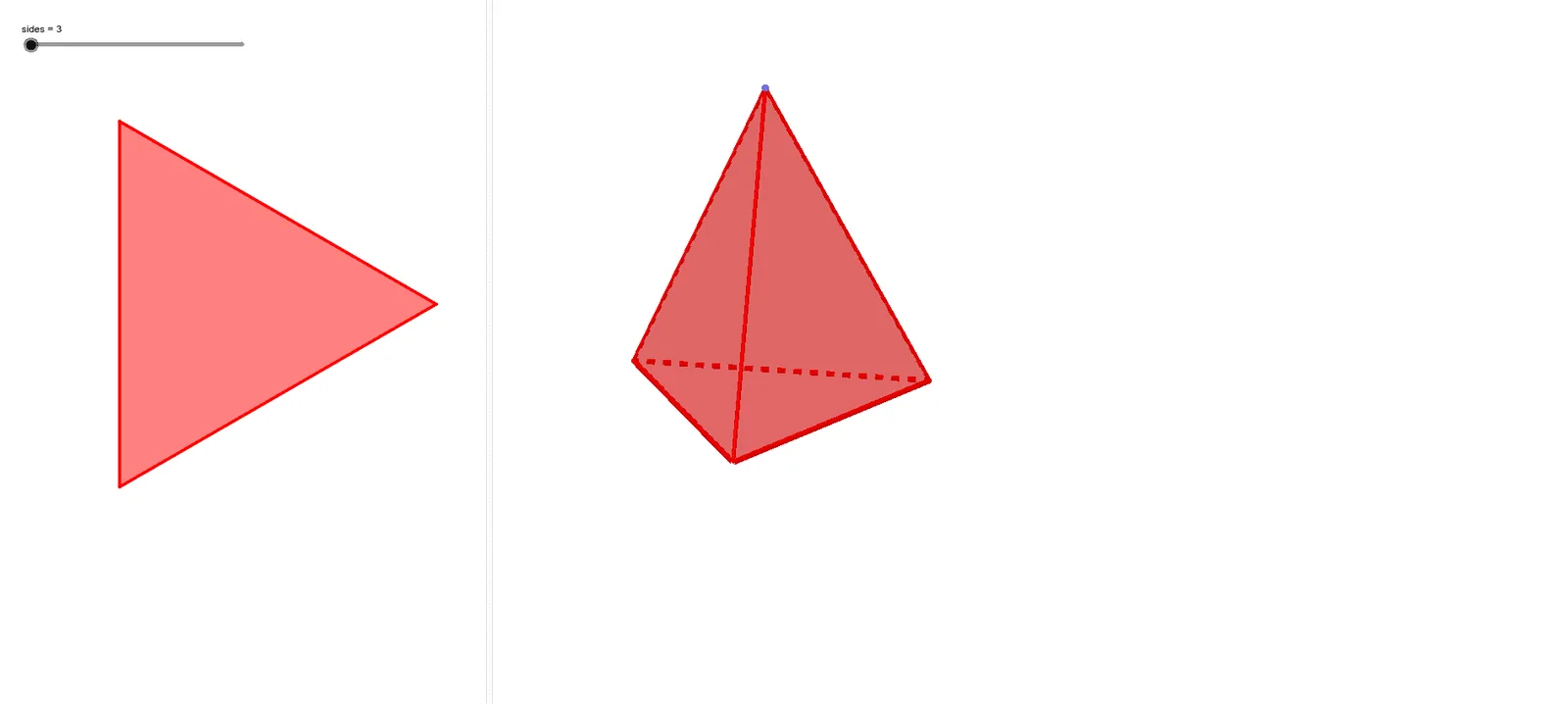
This example demonstrates the transformation of a pyramid into a cone. It involves key concepts in solid geometry such as the properties of pyramids and cones. Using GeoGebra commands like Intersect, Point, Circle, Segment, and Sequence, the construction of pyramid and cone geometrical figures is illustrated. Suitable for high school mathematics education, particularly in solid geometry and geometric construction.
GeoGebra Commands & Parameters
Intersect(xAxis, yAxis) → APoint(xAxis) → BCircle(A, B) → cSegment(A, B) → fSequence(((f * cos(((m * 360) * ° / sides))), (f * sin(((m * 360) * ° / sides)))), m, 0, sides, 1) → list1Sequence(Segment[list1(m), list1(m + 1)], m, 0, sides) → list2OrthogonalLine(A, xOyPlane) → gPoint(g) → CSequence(Segment[list1(m), C], m, 1, sides) → list3Sequence(Polygon[list1(m), list1(m + 1), C], m, 1, sides) → list4Polygon(list1) → poly1
AI Drawing Prompt Reference
Draw a square-based pyramid, then transform it into a cone by connecting the apex of the pyramid to the vertices of its base. Start by finding the intersection point A of the x-axis and y-axis, then take a point B on the x-axis, and draw a circle c with A and B as its diameter. Connect A and B to form a line segment f. Next, divide the circumference of the circle into equal parts using f as the radius, and connect these points to form the pyramid's sides. Then, draw a vertical line g through point A perpendicular to the xOy plane, and take a point C on line g. Finally, connect C to each vertex of the pyramid's sides to form the cone.
The prompt above was compiled from the original drawing commands and is for reference only.