
Angle Between Two Planes (Dihedral Angle) Dynamic Demo
Loading the math board and drawing, please wait…
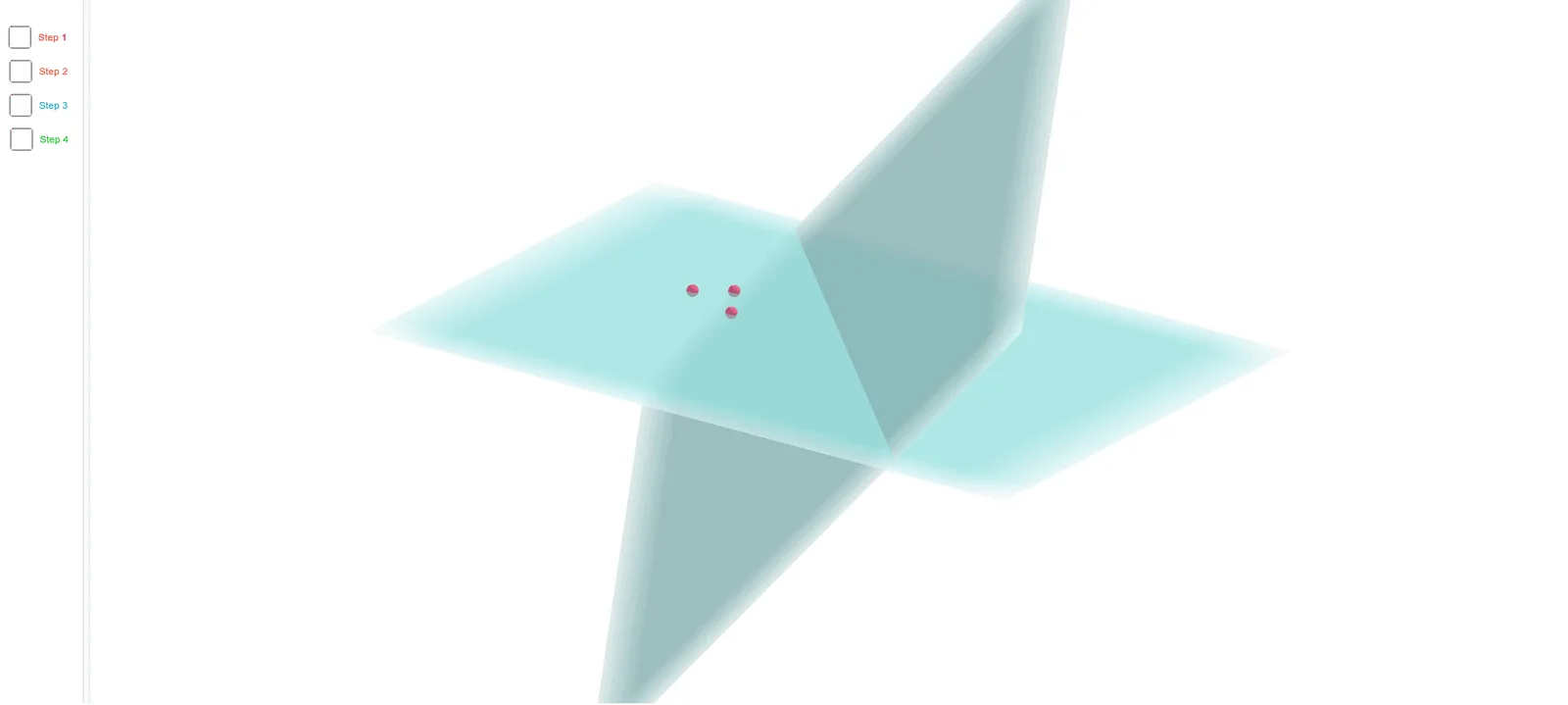
This GeoGebra example dynamically demonstrates the angle between two intersecting planes in 3D space, also known as the dihedral angle. The core mathematical concept is the definition of a dihedral angle: take a plane perpendicular to the line of intersection, then the angle between the two lines where this perpendicular plane cuts the original planes is the plane angle of the dihedral angle. The construction uses GeoGebra commands such as Plane to define two planes, IntersectPath to find their intersection line, Point to place a point on that line, Circle and Intersect to construct the perpendicular cross-section, Segment to draw the two rays, and Angle to measure the angle. Additional objects like Sphere and auxiliary points enhance the 3D visualization. This example is ideal for high school solid geometry lessons to help students grasp the concept of dihedral angles and how to measure them, as well as for introductory university courses in spatial analytic geometry.
GeoGebra Commands & Parameters
Plane(F, D, E) → bPlane(B, C, A) → cIntersectPath(b, c) → fPoint(f) → GCircle(G, 5, f) → dIntersect(c, d) → H, IIntersect(b, d) → J, KSegment(G, K) → gSegment(G, H) → hSphere(G, J) → eIntersect(f, e) → L, MAngle(H, G, L) → αAngle(K, G, L) → βAngle(H, G, K) → γ
AI Drawing Prompt Reference
Dynamically demonstrate the angle between two intersecting planes in 3D space, known as the dihedral angle. Define two planes and find their intersection line. Place a point on this line. Draw a circle centered at this point with the intersection line as the axis. The circle intersects the two planes at two points. Connect these points to the center of the circle to form two rays. The angle between these rays and the line from the center to the intersection point is the dihedral angle. Optionally, draw a sphere centered at the intersection point to enhance 3D visualization and show its intersection points with the line.
The prompt above was compiled from the original drawing commands and is for reference only.