
Pringle Chip Geometry Model
Loading the math board and drawing, please wait…
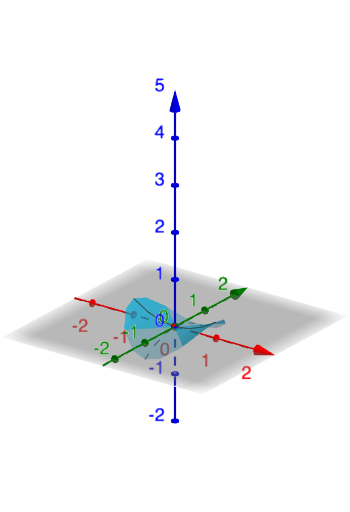
This example demonstrates how geometric shapes can model the shape of a Pringle chip through dynamic rotation and cross-sections. Key math concepts include solids of revolution, cross-sections, coordinate geometry, and parametric equations. Construction involves rotation, cross-section, and parametric equations in GeoGebra. Suitable for high school and above to understand spatial geometry and applications of coordinate geometry.
GeoGebra Commands & Parameters
Numeric flat(1.3)a(x, y) = If[x^(2) + y^(2) ≤ 1, (x / flat^(2))^(2) - (y / flat^(2))^(2)]
AI Drawing Prompt Reference
Create a Pringle chip geometry model by first drawing a circle with a radius of 1. Then, generate a 3D shape through rotation and cross-sections using parametric equations to ensure the edges are smooth and match the Pringle chip's characteristics.
The prompt above was compiled from the original drawing commands and is for reference only.