
Polygon Reflections
Loading the math board and drawing, please wait…
In collections
Congruence (CO) Cluster
Congruence (Vol 1)
Congruence (Vol 1) Over 80 Resources
CCSS High School: Geometry (Congruence) Volume 1 S N ATTAR
Geometry (Congruence) Volume 1
CCSS High School: Geometry (Congruence) Volume 1
CCSS High School: Geometry (Congruence) Volume 1
CCSS High School: Geometry (Congruence) Volume 1
CCSS High School: Geometry (Congruence) Volume 1
CCSS High School: Geometry (Congruence) Volume 1
CCSS High School: Geometry (Congruence) Volume 1
CCSS High School: Geometry (Congruence) Volume 1
CCSS High School: Geometry (Congruence) Volume 1
CCSS High School: Geometry (Congruence) Volume 1
CCSS High School: Geometry (Congruence) Volume 1
CCSS High School: Geometry (Congruence) Volume 1
CCSS High School: Geometry (Congruence) Volume 1
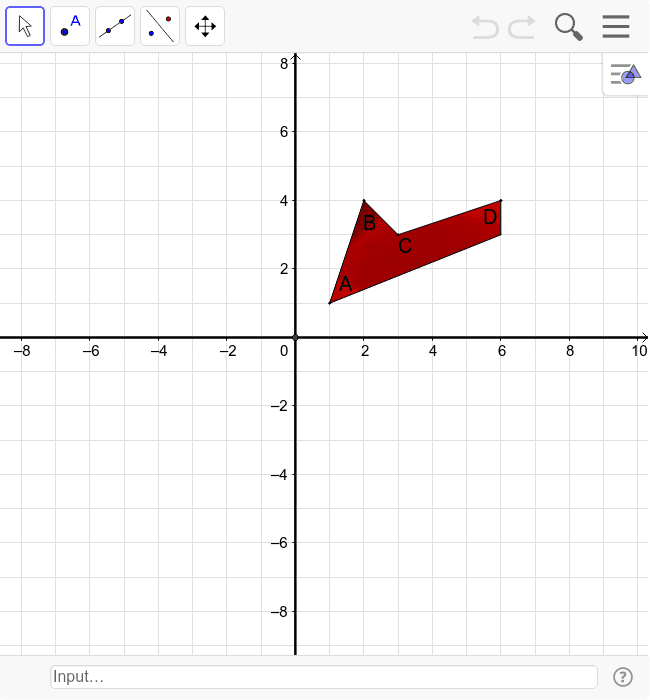
This example demonstrates reflecting a polygon over each axis to create an image in each of the four quadrants. Key concepts include symmetry transformations, coordinate systems, and polygons. It uses Point, Polygon, Intersect, and Line commands in GeoGebra. Suitable for middle school and above students learning geometric transformations.
GeoGebra Commands & Parameters
Point(Circle[A, 3.1622776601683795]) → BPolygon(A, B, C, D, E) → poly1, a, b, c, d, eIntersect(xAxis, yAxis) → FPoint(xAxis) → GPoint(xAxis) → HLine(G, H) → fPoint(yAxis) → IPoint(yAxis) → JLine(I, J) → g
AI Drawing Prompt Reference
Draw a pentagon and reflect it over the x-axis and y-axis to create images in each of the four quadrants, demonstrating symmetry transformations and coordinate systems. Start by drawing a pentagon in the first quadrant, then find the intersection of the x-axis and y-axis, and reflect the pentagon over both axes to display complete sets of pentagons in all four quadrants.
The prompt above was compiled from the original drawing commands and is for reference only.