
Plane Angle Bisector Quick Illustrator
Loading the math board and drawing, please wait…
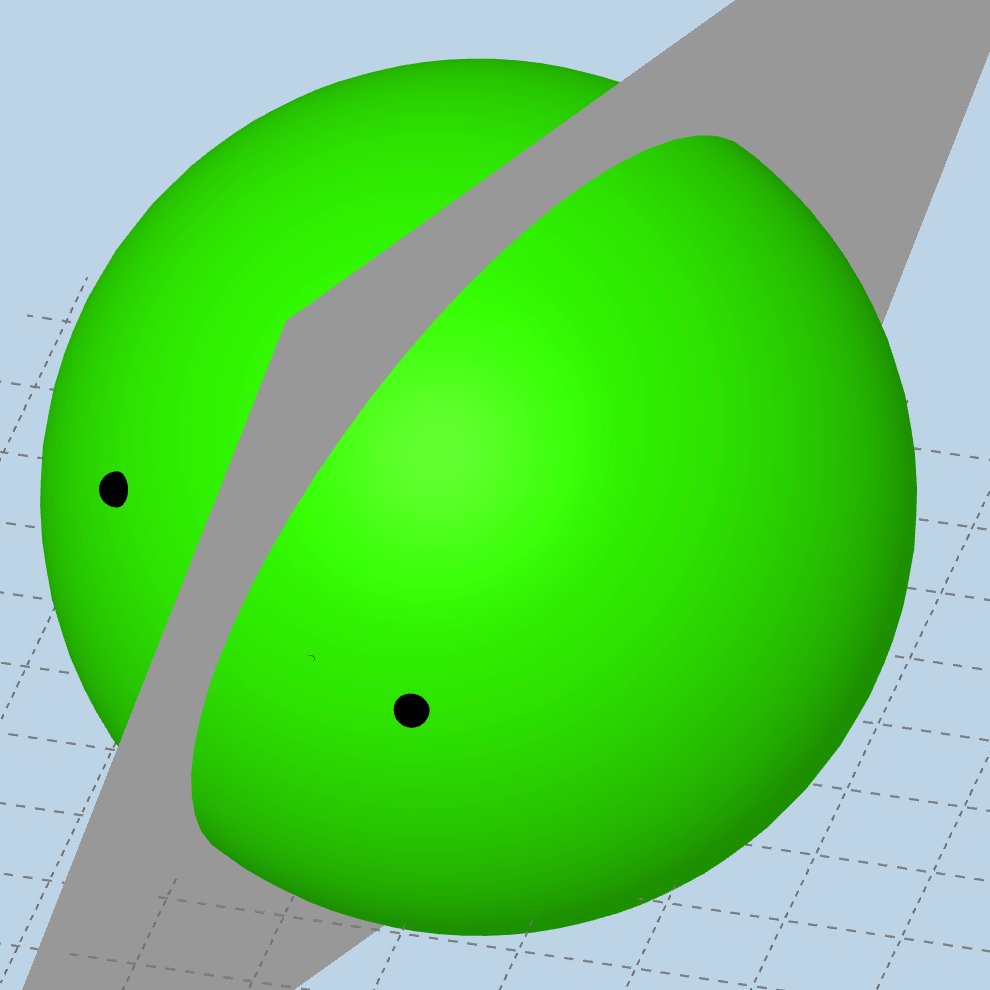
This example illustrates the concept of plane angle bisector. Key mathematical concepts include plane geometry and angle bisector. Using GeoGebra commands such as Midpoint, Line, and PlaneBisector, the construction process of the angle bisector plane is demonstrated. Suitable for middle school and above students or teachers.
GeoGebra Commands & Parameters
Midpoint(A, B) → CLine(A, B) → fPlaneBisector(A, B) → pPointIn(p) → DDistance(A, D) → aDistance(B, D) → bDilate(B, If[0 < SlideMe ≤ 1, 1 - SlideMe, 0], D) → B'Segment(B, B') → gPlane(A, D, B) → qAngle(A, D, B) → αRotate(B, If[1 < SlideMe ≤ 2, ((SlideMe - 1) * α), α], D, q) → B'_{1}Segment(D, B'_{1}) → hAngle(B, C, D) → βSegment(A, B) → iSphere(D, B) → cIntersectPath(p, c) → d
AI Drawing Prompt Reference
Illustrate the concept of a plane angle bisector by constructing its plane. Start by drawing two intersecting lines to form a plane angle. Find the midpoint of each side and connect them. Then, create the angle bisector plane. Take a point on the plane and measure its distances to both sides of the angle. Scale one side's point by the ratio of these distances and connect it to the point on the bisector plane. Finally, rotate the scaled point around the bisector plane to demonstrate the angle bisector's properties.
The prompt above was compiled from the original drawing commands and is for reference only.