
Parallelogram Maker by Melanie Palma
Loading the math board and drawing, please wait…
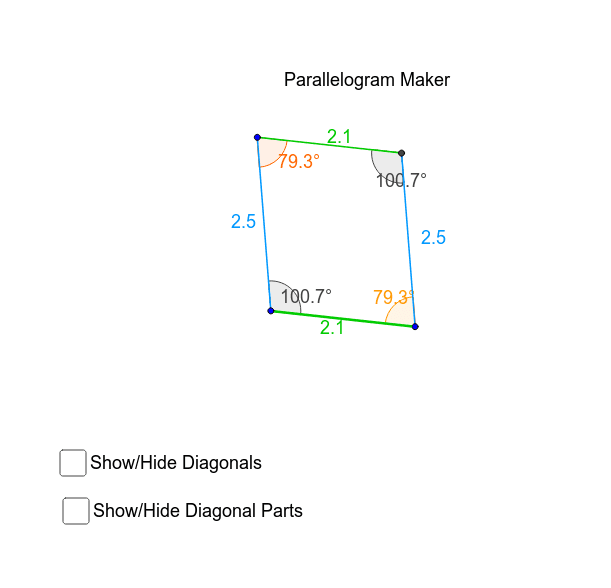
This example demonstrates how to dynamically construct a parallelogram and explore its properties, including diagonals, angles, side lengths, area, and polynomial functions. It utilizes GeoGebra commands like Line, Intersect, Segment, Angle, Circle, and OrthogonalLine. Suitable for middle school students and above learning geometric constructions and parallelogram characteristics.
GeoGebra Commands & Parameters
Line(P, A) → aLine(E, a) → bLine(E, P) → cLine(A, c) → dIntersect(b, d) → RSegment(E, R) → eSegment(R, A) → fSegment(A, P) → gSegment(P, E) → hAngle(P, E, R) → αAngle(E, R, A) → βAngle(R, A, P) → γAngle(A, P, E) → δLine(L, O) → iCircle(L, O) → kOrthogonalLine(L, i) → jIntersect(k, j, 1) → SOrthogonalLine(O, i) → lSegment(L, S) → nSegment(L, O) → qAngle(S, L, O) → ζOrthogonalLine(O, q) → mOrthogonalLine(S, n) → pIntersect(m, p) → BSegment(O, B) → rSegment(B, S) → sAngle(L, O, B) → εAngle(O, B, S) → ηAngle(B, S, L) → θSegment(E, A) → diag_2Segment(R, P) → diag_1Intersect(diag_2, diag_1) → CSegment(R, C) → diag_1bSegment(P, C) → diag_1aSegment(E, C) → diag_2bSegment(A, C) → diag_2a