
Parallel Line Construction with GeoGebra
Loading the math board and drawing, please wait…
In collections
Essential Compass Constructions
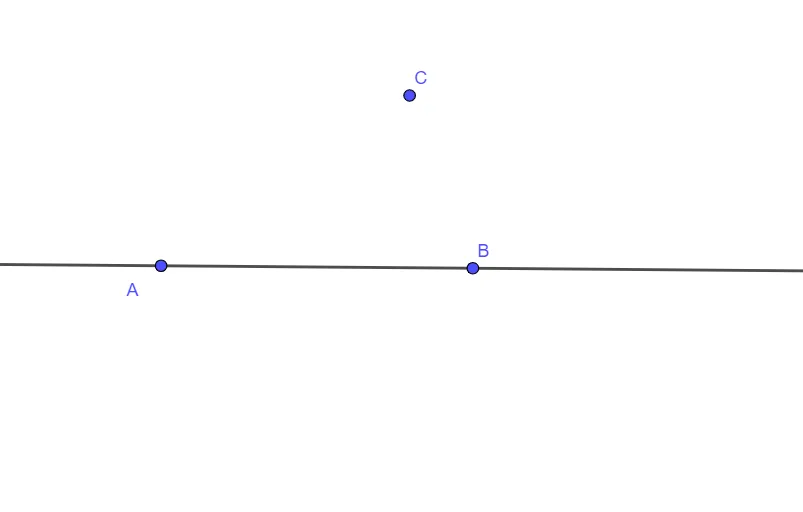
This example demonstrates how to construct a line parallel to a given reference line in GeoGebra and visually verify the parallel relationship. The key mathematics concepts are parallel-line construction and parallel-line properties, together with the foundational idea that a line can be determined by two points. Construction-wise, the provided command summary shows the use of the GeoGebra command “Line”, built from geometric objects A, B, C, and f. In practice, the object f serves as the given reference line, while points A/B/C supply the needed endpoints so that new lines created via “Line” can be positioned to be parallel to f. This is suitable for middle-school geometry instruction, hands-on geometry construction practice, and classroom demonstrations where students learn to translate the abstract definition of parallel lines into concrete construction steps.
GeoGebra Commands & Parameters
Line(A, B) → f
AI Drawing Prompt Reference
Draw a reference line and then select two points to draw a line through them, making it parallel to the reference line to demonstrate the construction and properties of parallel lines.
The prompt above was compiled from the original drawing commands and is for reference only.