
Copying an Angle
Loading the math board and drawing, please wait…
In collections
Essential Compass Constructions
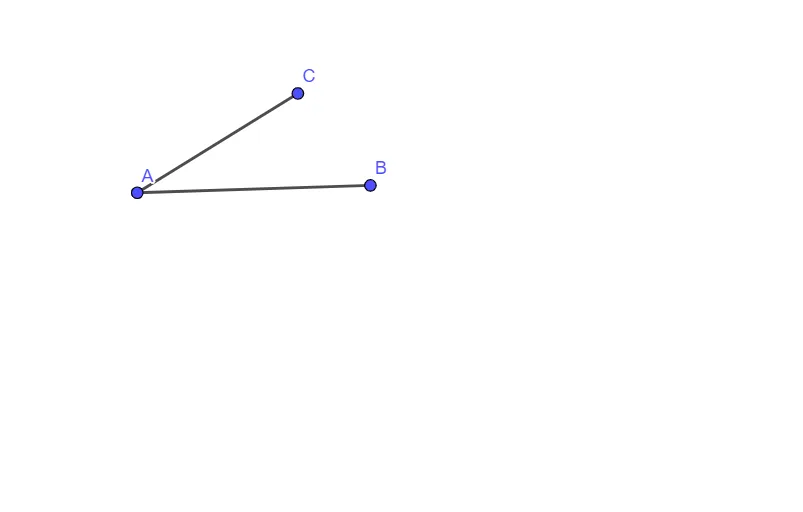
This example demonstrates how to copy an angle using GeoGebra. It involves core mathematical concepts such as geometric construction, angle duplication, and basic geometric transformations. Key GeoGebra commands used include Segment to create segments A, B, f, C, g for assistance in copying the angle. Suitable for middle school and above students learning geometric construction methods.
GeoGebra Commands & Parameters
Segment(A, B) → fSegment(A, C) → g
AI Drawing Prompt Reference
Draw a geometric construction showing how to copy an angle. Start with an original angle formed by two rays from a common vertex. Then, at a different location, create a new vertex and draw a ray from it as a base line. Using a compass, draw an arc centered at the original vertex intersecting both sides of the angle. With the same radius, draw an arc centered at the new vertex intersecting the base ray. Measure the distance between the two intersection points on the original angle, and mark that same distance on the new arc. Connect the new vertex to this marked point to form a second angle equal to the original. Show both angles and the auxiliary arcs clearly.
The prompt above was compiled from the original drawing commands and is for reference only.