
Angle Bisector Construction: Build and Verify
Loading the math board and drawing, please wait…
In collections
Essential Compass Constructions
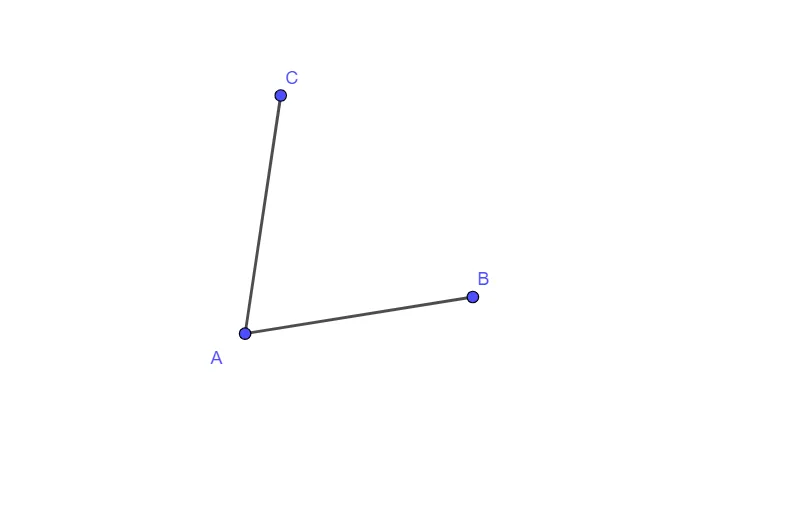
This example demonstrates how to construct an angle bisector from a given angle and visually confirm the bisecting property. The key math concepts are the definition of an angle bisector (splitting an angle into two equal angles) and classical straightedge-and-compass style construction ideas using geometric relationships. In the GeoGebra setup, the construction relies on the command “Segment” to create and connect the essential geometric elements. The primary objects used include points A, B, C and auxiliary/line objects labeled f and g, which together form the drawing framework needed to obtain the bisector. Suitable for middle-school geometry lessons, geometry-construction practice, and interactive demonstrations for learners studying angles and geometric reasoning.
GeoGebra Commands & Parameters
Segment(A, B) → fSegment(A, C) → g
AI Drawing Prompt Reference
Draw a triangle ABC by connecting points A and B, then points A and C. Use a straightedge and compass to construct the angle bisector of angle BAC, ensuring it divides angle BAC into two equal angles and intersects side BC at a point D.
The prompt above was compiled from the original drawing commands and is for reference only.