
Constructing and Checking the Midpoint of a Segment
Loading the math board and drawing, please wait…
In collections
Essential Compass Constructions
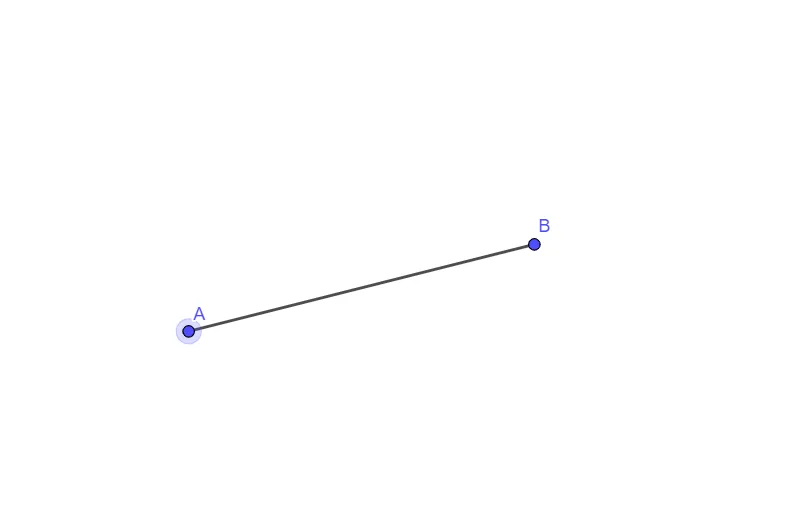
This example demonstrates how to construct the midpoint of any given segment and visually confirm its definition through the resulting geometry. It focuses on core concepts such as the midpoint property of a segment (equal division of the endpoints) and fundamental geometric construction using points and segments. Construction-wise, it starts by creating a segment with GeoGebra using the Segment command, with the endpoints defined as objects A and B, and then uses additional point objects (including f in the construction) to represent and display the midpoint. The activity is well-suited for middle school to high school geometry instruction, practice with geometric constructions, and for students learning how midpoint reasoning translates into dynamic geometry environments.
GeoGebra Commands & Parameters
Segment(A, B) → f
AI Drawing Prompt Reference
Draw a line segment with two distinct endpoints. Locate and mark the midpoint of the segment, ensuring it divides the segment into two equal halves. The figure should clearly show the segment, its endpoints, and the midpoint highlighted with a visible marker (such as a dot or cross) to emphasize the property that the midpoint equally splits the segment. Keep the construction simple and suitable for geometry instruction.
The prompt above was compiled from the original drawing commands and is for reference only.