
Parabola Construction Demonstration
Loading the math board and drawing, please wait…
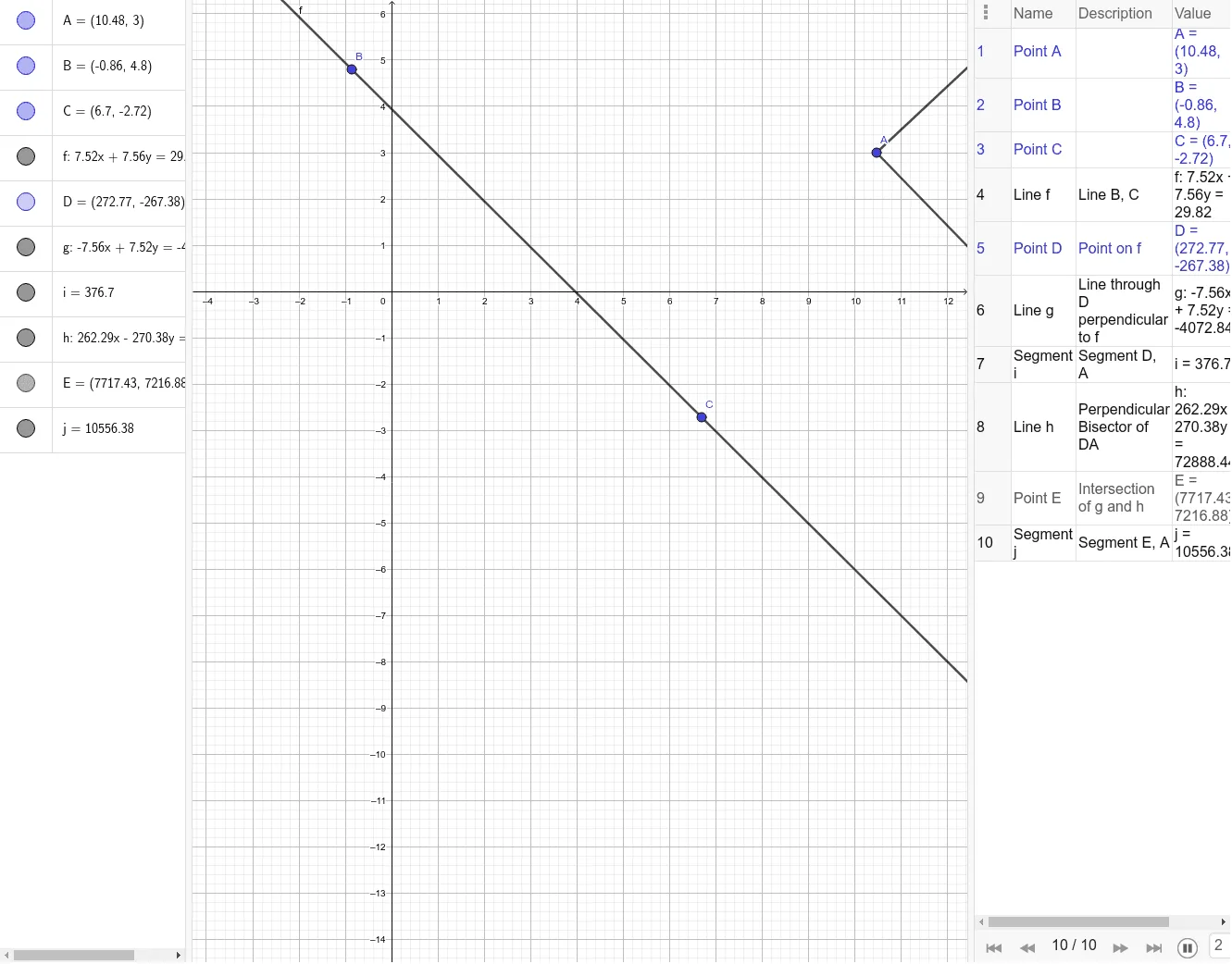
This example shows how to construct a parabola using classical geometric construction techniques. It covers conic sections, the parabola equation, piecewise functions, dilation, and arithmetic mean. The construction employs GeoGebra commands Line, Point, OrthogonalLine, Segment, LineBisector, and Intersect to create objects A, B, C, f, D, g, i, h, E, and j, establishing the focus, directrix, and locus step by step. Suitable for high‑school analytic geometry lessons on conic sections and for introductory college geometry modeling courses.
GeoGebra Commands & Parameters
Line(B, C) → fPoint(f) → DOrthogonalLine(D, f) → gSegment(D, A) → iLineBisector(D, A) → hIntersect(g, h) → ESegment(E, A) → j
AI Drawing Prompt Reference
Create a plane geometric construction diagram for a parabola. Start by choosing two points and drawing a line through them to serve as the main reference line. Select a point on this line as a key point. Through this key point, draw a line perpendicular to the reference line. Connect the key point to a chosen reference point with a segment. Construct the perpendicular bisector of that segment, then find its intersection with the previously drawn perpendicular line to obtain an intersection point. Finally draw the segment joining the reference point to the intersection point. Emphasize the relationships needed to locate the focus and corresponding locus step by step.
The prompt above was compiled from the original drawing commands and is for reference only.