
Maximizing Area
Loading the math board and drawing, please wait…
In collections
Optimization: Minima and Maxima
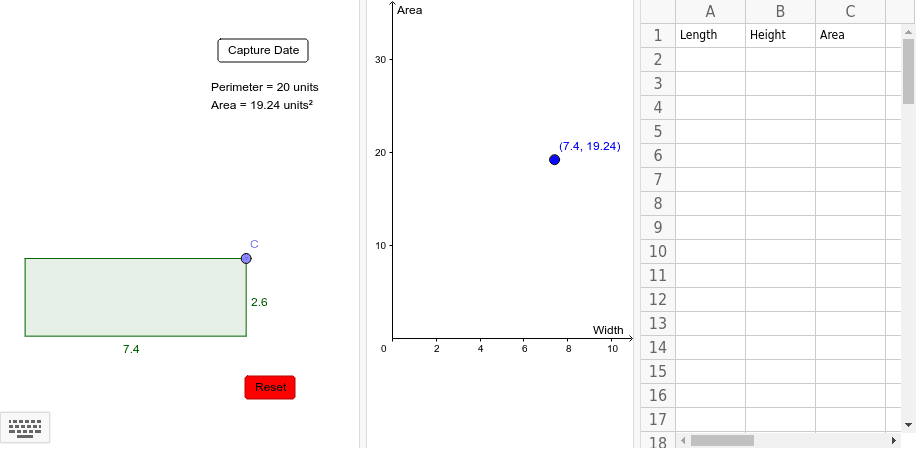
This example demonstrates how to dynamically visualize the change in polygon area as vertices move, intuitively showing optimization problems. Core math concepts include area calculation, coordinate geometry, optimization, and limit concepts. Construction uses commands like Point, Segment, Polygon, Perimeter, PointIn, with interactive sliders and buttons. Suitable for high school mathematics teaching, helping students understand function extrema, geometric transformations, and real-world applications of optimization problems.
GeoGebra Commands & Parameters
Point(yAxis) → APoint(xAxis) → BSegment(A, B) → fPoint(f) → CPolygon((0, 0), (x(C), 0), C, (0, y(C))) → poly1, g, h, c, iPerimeter(poly1) → perimeterpoly1PointIn(poly1) → Pointpoly1_1PointIn(poly1) → Pointpoly1