
Mapping Rectangles into Discs
Loading the math board and drawing, please wait…
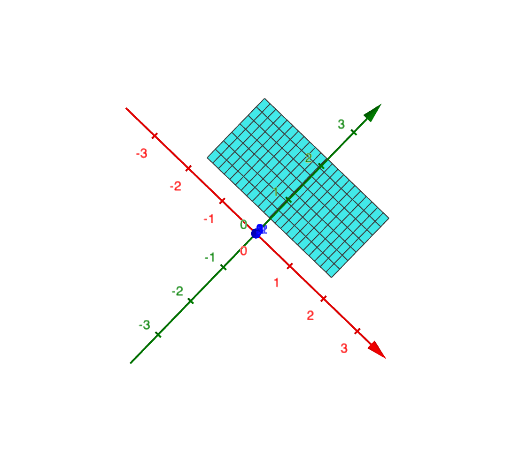
This example demonstrates mapping rectangular shapes to circular regions, involving geometric transformations and probability concepts. Construction uses GeoGebra's Surface command with parameters a, b, c, d, e for dynamic adjustment. Suitable for high school students learning geometric transformations or probability applications.
GeoGebra Commands & Parameters
Surface(u, v, 0, u, a, b, v, c, d) → e
AI Drawing Prompt Reference
Create a mapping illustration showing how rectangles are transformed into circular regions, demonstrating geometric transformations and probability concepts. Use a surface command to generate a dynamic shape adjustable by parameters a, b, c, d, e, illustrating the relationship between a rectangular area and a circular region, showing the mapping process from rectangle to circle.
The prompt above was compiled from the original drawing commands and is for reference only.