
Launch Angle vs. Range Distance Data Collection
Loading the math board and drawing, please wait…
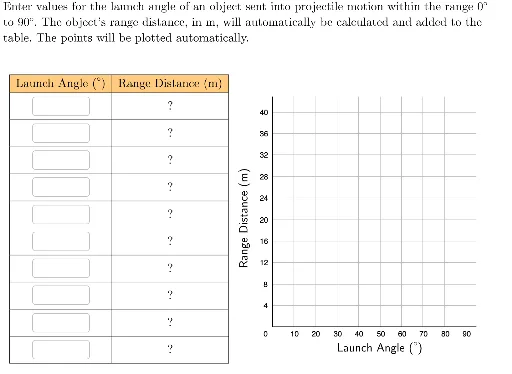
This example demonstrates the relationship between launch angle and range distance using scatter plots. Key math concepts include angles, trigonometry, and coordinate geometry. It is constructed using GeoGebra commands like Polygon, Textfield, Zip, TableText, LaTeX, RotateText, along with objects such as Reset, x1text to x10text. Suitable for high school physics or mathematics classes focusing on data analysis and function fitting.
GeoGebra Commands & Parameters
Polygon({(-10, -20), (95, -20), (95, 43), (-10, 43)}) → viewBoxTextfield(x1text) → boxX1Textfield(x9text) → boxX9Textfield(x8text) → boxX8Textfield(x7text) → boxX7Textfield(x6text) → boxX6Textfield(x5text) → boxX5Textfield(x4text) → boxX4Textfield(x3text) → boxX3Textfield(x2text) → boxX2Textfield(x10text) → boxX10Zip(f(A), A, xVals) → yValsZip((A, B), A, xVals, B, yVals) → pointsToPlotTableText({Join[{{"\cellcolor{#ffcc80}{\text{Launch Angle (°)}}"}, Zip[(("\vphantom{\small\frac{1}{2}}" * A) * ""), A, xVals]}], Join[{{"\cellcolor{#ffcc80}{\text{Range Distance (m)}}"}, yVals}]}, "|_vc") → dataLaTeX("\text{Launch Angle (°)}") → xLabelRotateText(LaTeX["\text{Range Distance (m)}"], 90°) → yLabelLaTeX("\text{Enter values for the launch angle of an object sent into projectile motion within the range \(0°\)\\to \(90°\). The object's range distance, in m, will automatically be calculated and added to the\\table. The points will be plotted automatically.}") → TEXT