
PR2b-11-ET1 (Adding Values to Inequalities)
Loading the math board and drawing, please wait…
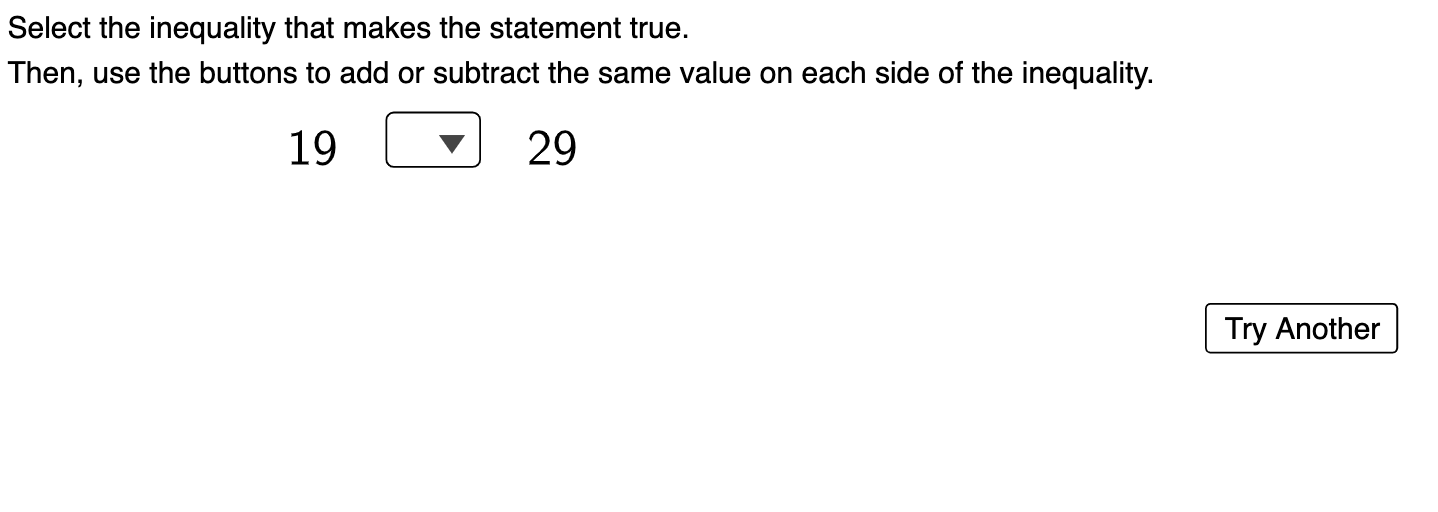
① This interactive GeoGebra example demonstrates the property that adding or subtracting the same number to both sides of an inequality preserves the inequality direction, with immediate feedback for practice. ② Core mathematical concepts include the basic properties of inequalities, the effect of arithmetic operations (addition and subtraction) on inequality direction, and logical checking of correctness. ③ Construction highlights: The applet uses numerous GeoGebra objects such as IneqType, IneqSymbol1, IneqSymbol2 to define inequality type and symbols; num1, num2, num3 and their display variants (num1Disp, num2Disp, num3Disp) for numeric values; Add1, Add10, Sub1, Sub10 buttons for performing operations; LS and RS for left and right sides; RightCheck1, WrongCheck1, RightCheck2, WrongCheck2 for answer validation; points Pt1, Pt2, Pt0, Pt4 for visualizing values on a number line; and FollowUp/Instructions for guidance. ④ Suitable for middle school algebra lessons on inequality properties, useful for student self-exploration or teacher-led demonstrations to deepen understanding through dynamic manipulation.
GeoGebra Commands & Parameters
LaTeX(UnicodeToLetter[10007]) → WrongCheck1LaTeX(UnicodeToLetter[10007]) → WrongCheck2
AI Drawing Prompt Reference
Create an interactive number-line lesson display for an inequality property: show a left side and a right side located on the same number line, together with inequality type and the comparison symbol between them, and display the associated numeric values (including multiple value labels and their on-screen displays). Include controls that let the user add 1 and 10 to both sides, and subtract 1 and 10 from both sides. As the user presses buttons, shift the left and right expressions consistently and update the corresponding points on the number line. Provide distinct right/wrong checking areas so the tool can give immediate feedback based on logical correctness.
The prompt above was compiled from the original drawing commands and is for reference only.