
GeoGebra 3D: Getting Started - Part 4
Loading the math board and drawing, please wait…
This example demonstrates how to create and manipulate 3D shapes using GeoGebra 3D, focusing on solids and prisms. Core math concepts include polygon constructions, vector operations, and solid geometry. Key constructions involve commands like Polygon, Vector, and Prism. Suitable for high school and above students exploring 3D geometry.
GeoGebra Commands & Parameters
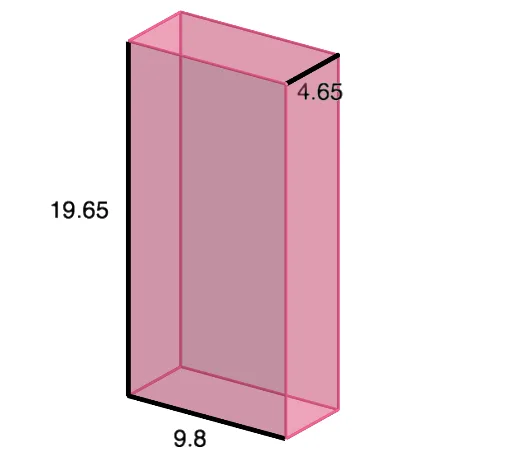
Polygon(A, B, D, C) → q1, a, b, d, cVector((0, 0, 19.65)) → uPrism(q1, 19.65) → e, E, edgeAE, edgeBF, edgeDG, edgeCH, edgeEF, edgeFG, edgeGH, edgeEH, F, G, H, faceABFE, faceBDGF, faceCDGH, faceACHE, faceEFGH
AI Drawing Prompt Reference
Construct a quadrilateral using four points, then draw a vertical vector from the center of the quadrilateral extending upwards by a fixed length. Use this vector as the height to extend the quadrilateral into a 3D prism, highlighting the correspondence between the base and top faces and the parallelism of the lateral edges.
The prompt above was compiled from the original drawing commands and is for reference only.