
Fitting Squares or Rectangles to Form Irregular Shapes
Loading the math board and drawing, please wait…
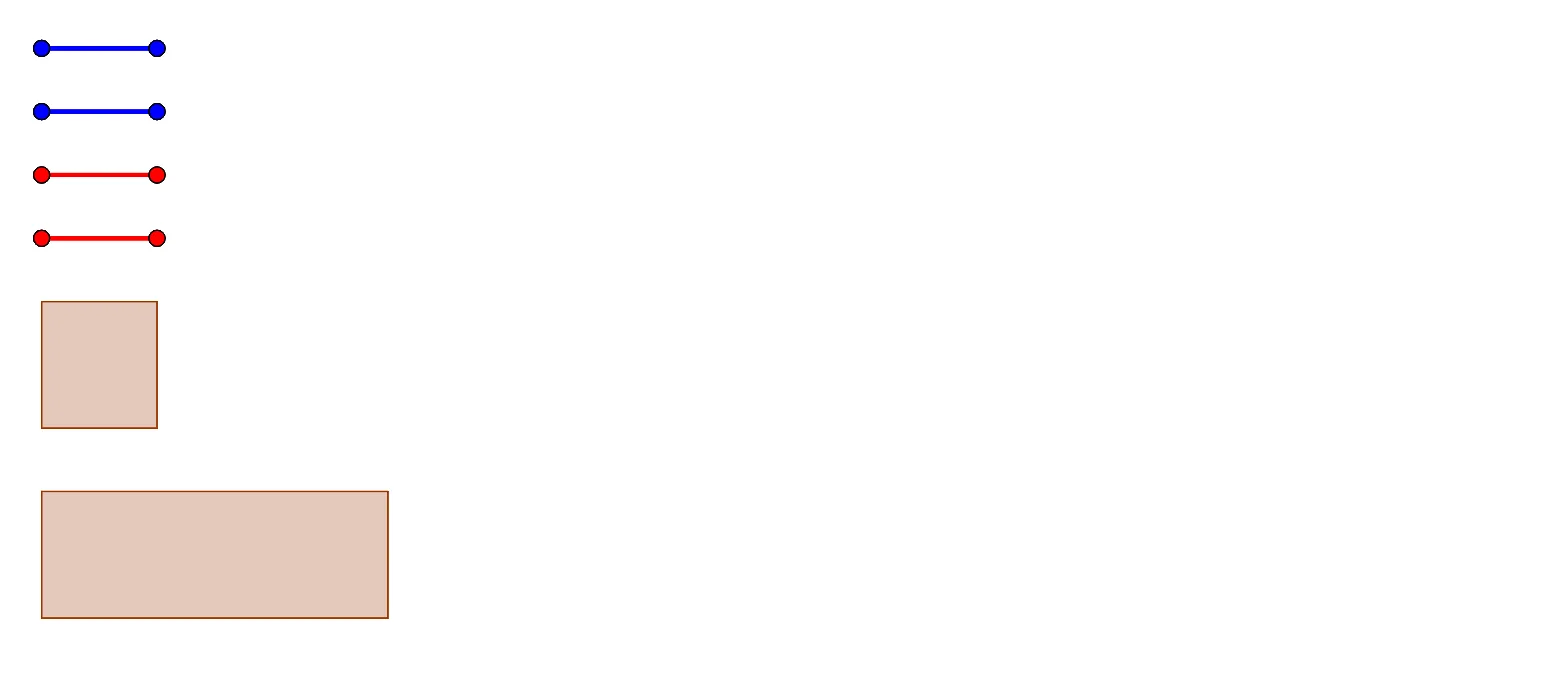
This example demonstrates how to form irregular shapes by fitting squares or rectangles. Key mathematical concepts include geometric construction and length calculation. It uses commands like Segment and Polygon in GeoGebra. Suitable for high-grade elementary or junior high school students to learn geometric tiling and length measurement.
GeoGebra Commands & Parameters
Segment(PR1_{1}, PR1_{2}) → SegR1Segment(PR2_{1}, PR2_{2}) → SegR2Segment(PR3_{1}, PR3_{2}) → SegR3Segment(PR4_{1}, PR4_{2}) → SegR4Segment(PR5_{1}, PR5_{2}) → SegR5Segment(PR6_{1}, PR6_{2}) → SegR6Segment(PR7_{1}, PR7_{2}) → SegR7Segment(PR8_{1}, PR8_{2}) → SegR8Segment(PR9_{1}, PR9_{2}) → SegR9Segment(PR10_{1}, PR10_{2}) → SegR10Segment(PB6_{1}, PB6_{2}) → SegB6Segment(PB7_{1}, PB7_{2}) → SegB7Segment(PB8_{1}, PB8_{2}) → SegB8Segment(PB9_{1}, PB9_{2}) → SegB9Segment(PB10_{1}, PB10_{2}) → SegB10Segment(PB2_{1}, PB2_{2}) → SegB2Segment(PB3_{1}, PB3_{2}) → SegB3Segment(PB4_{1}, PB4_{2}) → SegB4Segment(PB5_{1}, PB5_{2}) → SegB5Segment(PB1_{1}, PB1_{2}) → SegB1Polygon(Pq1a, Pq1b, Pq1c, Pq1d) → q1, q1a, q1b, q1c, q1dPolygon(Pq2a, Pq2b, Pq2c, Pq2d) → q2, q2a, q2b, q2c, q2dPolygon(Pq3a, Pq3b, Pq3c, Pq3d) → q3, q3a, q3b, q3c, q3dPolygon(Pq4a, Pq4b, Pq4c, Pq4d) → q4, q4a, q4b, q4c, q4dPolygon(Pq5a, Pq5b, Pq5c, Pq5d) → q5, q5a, q5b, q5c, q5dPolygon(Pq6a, Pq6b, Pq6c, Pq6d) → q6, q6a, q6b, q6c, q6d
AI Drawing Prompt Reference
Create an irregular shape by fitting multiple squares or rectangles. First, draw 10 line segments, connecting two segments to form one rectangle, making a total of 5 rectangles. Then, use the four vertices of each rectangle to draw a pentagon, with each pentagon consisting of four vertices from the rectangles.
The prompt above was compiled from the original drawing commands and is for reference only.