
Grade 4 Geometry Construction: Building a Rhombus
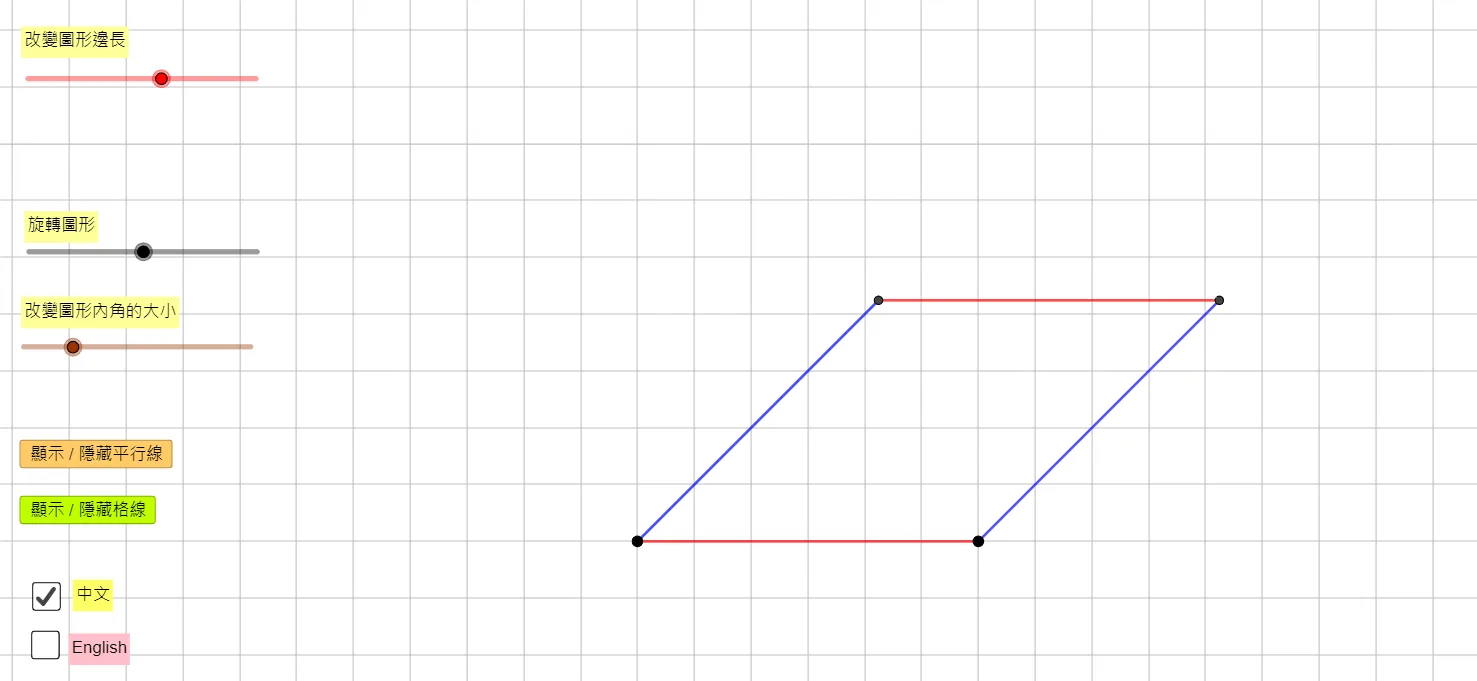
This GeoGebra example is designed for Grade 4 students, demonstrating how to construct a rhombus using fundamental geometric tools. Through commands such as Circle, Point, Rotate, Segment, Ray, and Intersect, it illustrates the step-by-step construction process of a rhombus. The example incorporates parallel line construction, auxiliary circles, and auxiliary points to help students understand key properties of the rhombus, including the fact that all four sides are equal in length and that the diagonals are perpendicular bisectors of each other. The applet supports bilingual display in both Chinese and English, making it suitable for classroom instruction and independent learning. By interacting with the dynamic construction, students can observe how each element contributes to forming the final rhombus shape, drag points to explore variability while preserving geometric constraints, and develop a deeper conceptual understanding of special quadrilaterals. The visual and interactive nature of the tool reinforces hands-on geometry skills, encouraging learners to connect abstract definitions with concrete constructions. This resource is ideal for teachers seeking to enrich their geometry lessons with technology-enhanced activities that promote active engagement and conceptual mastery at the elementary level.
In collections
P4 Math: Constructing Quadrilaterals
Loading the math board and drawing, please wait…