
Making Quadrilaterals 6: Rhombus (P4)
Loading the math board and drawing, please wait…
In collections
P4 4S1 Making Quadrilaterals
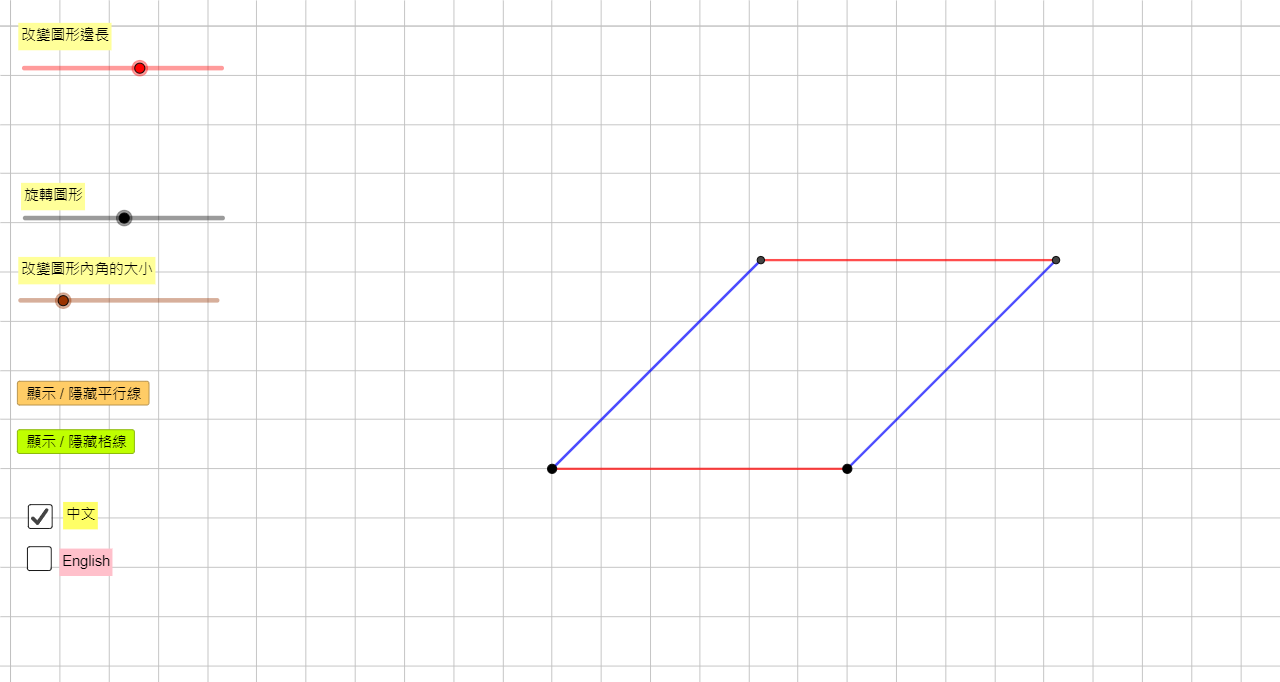
This example demonstrates how to construct a rhombus using circles, rotation, and intersection points, and dynamically explores its properties. Core math concepts include the definition of a rhombus (all sides equal), perpendicular bisecting diagonals, and the role of circles in geometric construction. Construction highlights: uses GeoGebra commands such as Circle, Point, Rotate, Segment, Ray, Intersect, Line, and If, along with multiple auxiliary objects (e.g., ParaPo1, ParaCir1, ParaAngle1) and buttons (Button1GridC, Button1E) to toggle grid, parallel lines, and language. Suitable for upper elementary or middle school geometry, helping students understand the construction process of a rhombus and its connection to circles and rotations.
GeoGebra Commands & Parameters
Circle(ParaPo1, ParaLeng1) → ParaCir1Point(ParaCir1) → ParaPo1AuxRotate(ParaPo1Aux, (-ParaAngle1), ParaPo1) → ParaPo2Segment(ParaPo1, ParaPo2) → ParaSeg1Circle(ParaPo1, ParaLeng2) → ParaCir2Ray(ParaPo1, ParaPo2) → ParaRay1Intersect(ParaCir2, ParaRay1, 1) → ParaPo2AuxRotate(ParaPo2Aux, ParaAngle2, ParaPo1) → ParaPo3Segment(ParaPo1, ParaPo3) → ParaSeg2Line(ParaPo3, ParaSeg1) → ParaLine3Line(ParaPo2, ParaSeg2) → ParaLine4Intersect(ParaLine3, ParaLine4) → ParaPo4Line(ParaPo1, ParaPo2) → ParaLine1Line(ParaPo1, ParaPo3) → ParaLine2Segment(ParaPo3, ParaPo4) → ParaSeg3Segment(ParaPo4, ParaPo2) → ParaSeg4If(ShowChi, "旋轉圖形", "Rotate the shape") → Text5If(ShowChi, "改變圖形內角的大小", "Change the angles inside the shape") → Text6If(ShowChi, "改變圖形邊長", "Change the lengths of the sides of the shape") → Text3
AI Drawing Prompt Reference
Draw a rhombus using two circles and rotation, showing its diagonals are perpendicular bisectors. Start by drawing a circle and marking a point on it. Use this point as the center to draw a second circle. Rotate the first point around the first center by a certain angle, then connect these two points to form one side of the rhombus. Next, draw a third circle centered at the first point with a different radius, intersecting the second circle and a ray from the first point to the rotated point. Rotate this intersection point back to the first center, connect these points to form another side. Finally, connect the midpoints of these two sides to draw the diagonals, which intersect at right angles, and label the sides and angles to illustrate the properties of the rhombus.
The prompt above was compiled from the original drawing commands and is for reference only.